In the digital era, the healthcare landscape has shifted from static pamphlets to dynamic, motion-based storytelling. For hospitals, private practices, and medical technology firms, video marketing is no longer an optional luxury; it is a clinical necessity. By distilling complex medical data into accessible, high-definition narratives, healthcare organizations can foster deeper patient trust, humanize their brand, and improve health literacy across diverse demographics.
However, the intersection of marketing and medicine is fraught with unique hurdles. Healthcare professionals must balance creative output with the stringent requirements of HIPAA compliance, the need for clinical accuracy, and the imperative to maintain an atmosphere of professional authority. As we head into 2025, the demand for high-quality, polished video content is reaching an all-time high. Fortunately, the barrier to entry has never been lower. Below, we explore the tools, strategies, and implications of choosing the right video editing software for your healthcare brand.
The Strategic Importance of Video in Modern Healthcare
The Evolution of Patient Education
The chronology of medical marketing has evolved rapidly. A decade ago, digital engagement was limited to text-heavy blogs. Today, patient journeys often begin on YouTube or social media platforms. Studies indicate that patients who watch educational videos regarding surgical procedures or chronic condition management demonstrate higher levels of compliance and lower anxiety.
Supporting Data: Why Video Works
Data from leading digital marketing analytics firms consistently show that video content generates 1,200% more shares than text and image content combined. Furthermore, YouTube serves as the second-largest search engine globally, making it a critical repository for medical information. For healthcare marketers, this provides a dual opportunity: search engine optimization (SEO) benefits and the chance to establish "thought leadership" in highly competitive medical fields.

1. Adobe Premiere Pro: The Gold Standard for Professionalism
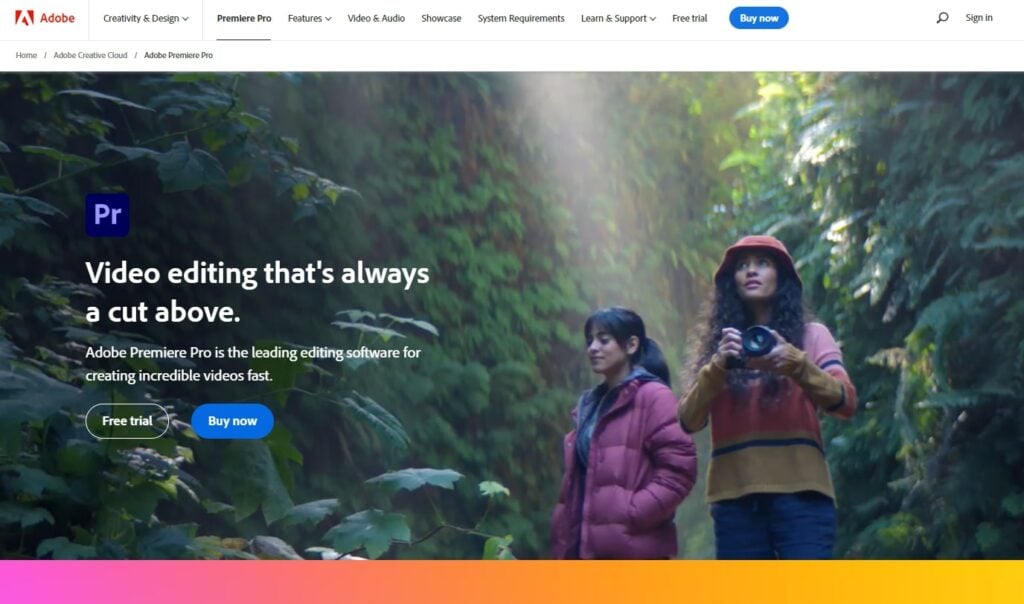
Adobe Premiere Pro remains the industry benchmark for professional video editing. Its non-linear editing interface provides the granularity required for high-stakes healthcare production.
Core Capabilities
Premiere Pro offers an expansive suite of features, including advanced multi-cam editing, AI-powered "Auto Reframe" for different social media formats, and seamless integration with the Adobe Creative Cloud suite (After Effects for motion graphics and Audition for clinical audio cleanup).
Implications for Healthcare
For large hospital systems producing documentaries on breakthrough research or high-end promotional spots, Premiere Pro provides the stability and precision needed. The learning curve is steep, but for teams with dedicated media professionals, it is the most reliable tool for maintaining institutional branding standards.
- Pros: Industry-standard tools; infinite scalability; professional-grade color and sound control.
- Cons: Subscription model; significant hardware requirements; high barrier to entry for beginners.
- Best for: Large healthcare marketing departments and professional creative agencies.
- Pricing: $20.99/month.
2. Animaker: Simplifying the Complex
Medical concepts—such as the mechanics of a heart valve replacement or the biochemistry of a new drug—are notoriously difficult to visualize. Animaker addresses this by offering a robust platform for 2D and 3D animation.
Bridging the Gap
Animaker’s cloud-based, AI-driven interface allows non-animators to create explainer videos that are both medically accurate and visually stimulating. By utilizing pre-built characters and objects, marketers can produce content that explains complex procedures without the astronomical cost of custom medical illustration.
Official Perspective on Animated Content
Medical communications experts emphasize that animation is often superior to live-action footage when discussing sensitive topics, as it removes the "distraction" of graphic imagery, focusing instead on the conceptual process.
- Pros: Intuitive drag-and-drop interface; vast library of assets; excellent for "explainer" videos.
- Cons: Limited customization compared to professional 3D software; reliance on pre-made templates.
- Best for: Public health departments and clinics creating patient-facing educational materials.
- Pricing: Free plan available; Paid plans start at $15/month.
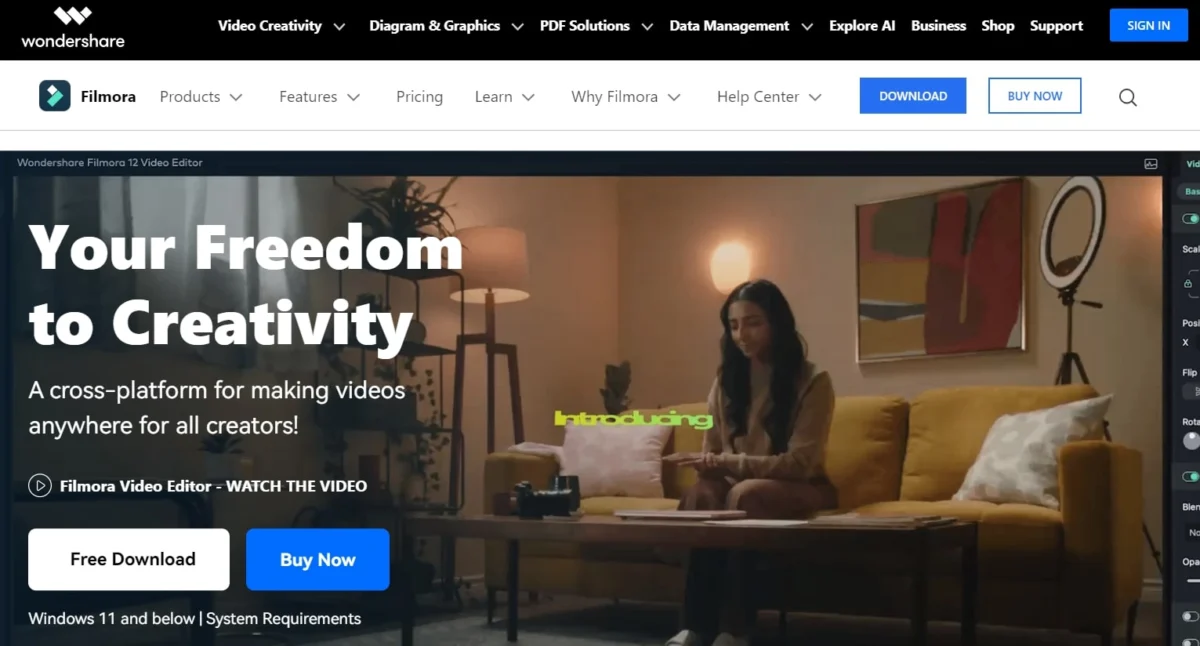
3. Filmora: The Storyteller’s Choice
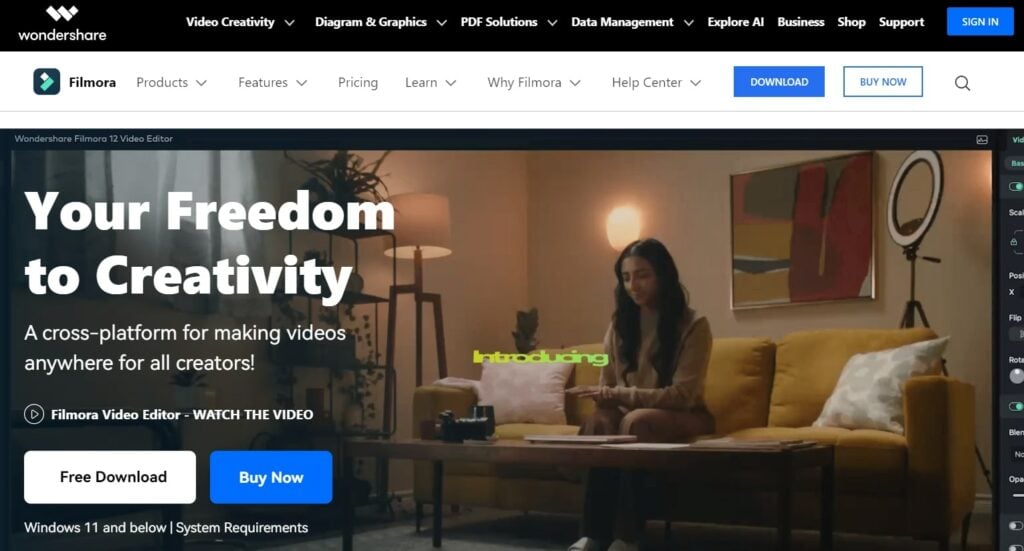
Filmora occupies the "sweet spot" between basic editing and professional complexity. For healthcare marketers who need to produce high-quality patient testimonials or facility tours quickly, Filmora offers a modern, efficient workflow.
User Experience and Efficiency
The platform is designed for rapid iteration. With its "Instant Mode" and AI-enhanced features, marketers can take raw footage of a clinic, apply color corrections, add professional-grade transitions, and export for YouTube in a fraction of the time required by traditional suites.

- Pros: Short learning curve; built-in stock library; high-quality visual effects (VFX).
- Cons: Can be resource-heavy on older computers; export watermarks on the free version.
- Best for: Small-to-mid-sized medical practices aiming for consistent, high-frequency social media output.
- Pricing: Starts at $49.99/year.
4. iMovie: Accessibility for All
Apple’s iMovie is frequently overlooked, yet it remains one of the most effective tools for simple, clean, and professional video projects on the macOS ecosystem.
Why Simplicity Wins
Not every video requires a Hollywood budget. For short-form patient education clips or quick updates from a Chief Medical Officer, iMovie provides a refined set of tools that prevent "over-editing." Its clean interface ensures that the medical message—not the fancy transitions—remains the focus of the viewer.
- Pros: Free, native to Mac; extremely stable; high-quality output for simple edits.
- Cons: Lacks advanced professional features; limited to Apple devices.
- Best for: Busy clinicians or office managers needing to produce high-quality internal or public-facing communications with zero budget.
- Pricing: Free.
5. DaVinci Resolve: The Cinematic Powerhouse
DaVinci Resolve has emerged as the professional’s choice for color grading and post-production, offering a "Hollywood-grade" feature set that is remarkably accessible to the public.
The Power of Color Grading
In the medical sector, lighting is everything. Whether it’s showcasing a clean, modern operating theater or the warmth of a pediatric ward, DaVinci Resolve’s color grading capabilities allow editors to evoke the precise emotional tone required for their brand.
- Pros: Unmatched color grading; sophisticated audio post-production; free version is incredibly robust.
- Cons: Extremely hardware intensive; intimidating interface for beginners.
- Best for: Healthcare organizations creating long-form content, documentaries, or cinematic facility showcases.
- Pricing: Free version available; Studio version (one-time) $295.
The Broader Implications: HIPAA and Ethics
As healthcare organizations transition into a "video-first" content strategy, they must consider the ethical implications of their productions.
- Patient Privacy: Any video featuring a patient requires written, HIPAA-compliant consent. Editors must ensure that sensitive information—charts, computer screens in the background, or patient files—are obscured or blurred.
- Accuracy: In the age of medical misinformation, the content you publish carries the weight of authority. Using tools like Animaker to create diagrams must be vetted by clinical staff to ensure that visual representations of biological processes are medically sound.
- Credibility: The choice of video editor affects the final aesthetic. A shaky, poorly edited video can unintentionally project a lack of professionalism, which may damage the brand’s reputation. Investing in the right software is an investment in the institution’s perceived competence.
Final Verdict: Choosing Your Tool
Selecting the right software for your healthcare organization is an exercise in resource management. If you are a large hospital system, Adobe Premiere Pro is the necessary standard. If you are a community clinic looking to educate patients, Animaker or Filmora will provide the best return on investment.
Regardless of the tool, the goal remains the same: to humanize the patient experience, demystify medical treatment, and build a digital legacy of trust. As you look toward 2025, consider not just the cost of these tools, but the time you will save—and the patient outcomes you will improve—by bringing professional-quality video production in-house.