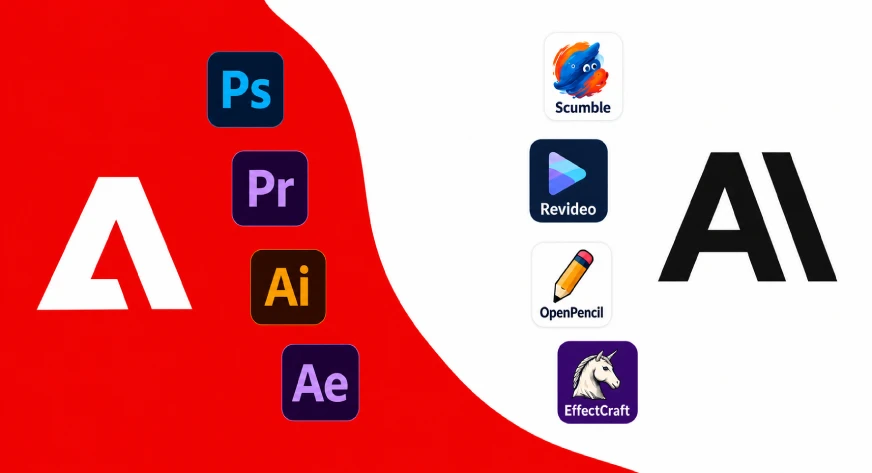
The modern digital landscape is increasingly defined by the "subscription tax." Whether you are a creative professional, a project manager, or a small business owner, the recurring monthly cost of software—often referred to as Software-as-a-Service (SaaS)—has become a significant line item in every budget. From the Adobe Creative Cloud suite to project management giants like Jira and communication hubs like Mailchimp, the barrier to entry for professional-grade tools has shifted from a one-time purchase to a permanent, escalating financial obligation.
However, a robust counter-movement is gaining momentum. Open-source software (OSS), once relegated to the fringes of hobbyist development, has matured into a sophisticated ecosystem of professional-grade alternatives. By moving to open-source solutions, users can reclaim their data, ensure privacy, and eliminate the "vendor lock-in" that defines today’s proprietary market.
The State of Subscription Fatigue: A Chronology of the Shift
To understand why this shift is happening, we must look at the historical trajectory of software licensing:
- The Perpetual License Era (Pre-2010s): Software was purchased as a static asset. You bought a disc or a license key, and the software belonged to you indefinitely.
- The Cloud Transformation (2010–2015): Companies like Adobe and Microsoft transitioned to subscription models, citing the need for "continuous updates" and cloud integration. While convenient, this stripped users of ownership.
- The SaaS Explosion (2016–2022): The rise of specialized platforms for every niche task—signing PDFs, automating workflows, tracking project issues—led to "subscription sprawl," where individuals and companies lost track of how many monthly payments they were authorizing.
- The Open-Source Renaissance (2023–Present): Driven by concerns over data privacy, rising costs, and the desire for self-hosting, open-source projects have begun to mirror the user experience of their paid counterparts. We are currently witnessing a migration toward "self-sovereign" computing, where the user controls the server, the data, and the cost.
Comparative Landscape: Proprietary vs. Open-Source
| Open-Source Tool | Paid Alternative | Primary Use Case |
|---|---|---|
| PhotoCraft | Adobe Photoshop | Layered image manipulation |
| Plane | Jira | Agile project & issue tracking |
| Activepieces | Zapier | Cross-app workflow automation |
| Immich | Google One | Self-hosted media management |
| Stirling PDF | Adobe Acrobat Pro | Advanced document processing |
| OpenScreen | Camtasia | Professional screen recording |
| RustDesk | TeamViewer | Secure remote access |
| Documenso | DocuSign | Legal document signing |
| Listmonk | Mailchimp | Newsletter & list management |
| OpenWhispr | Wispr Flow | AI-powered voice dictation |
Deep Dive: The Top 10 Open-Source Disruptors
1. PhotoCraft: Reclaiming the Creative Canvas
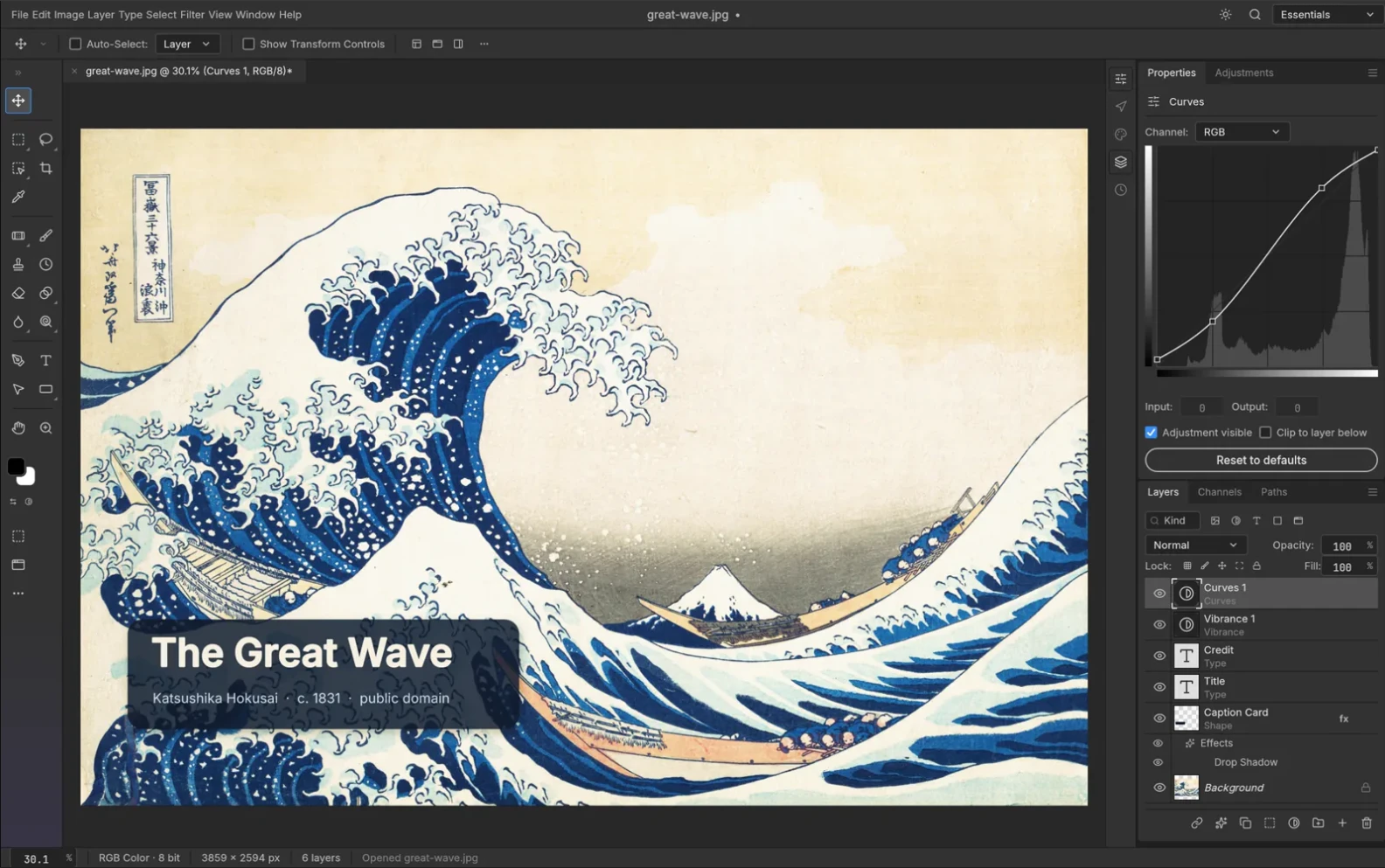
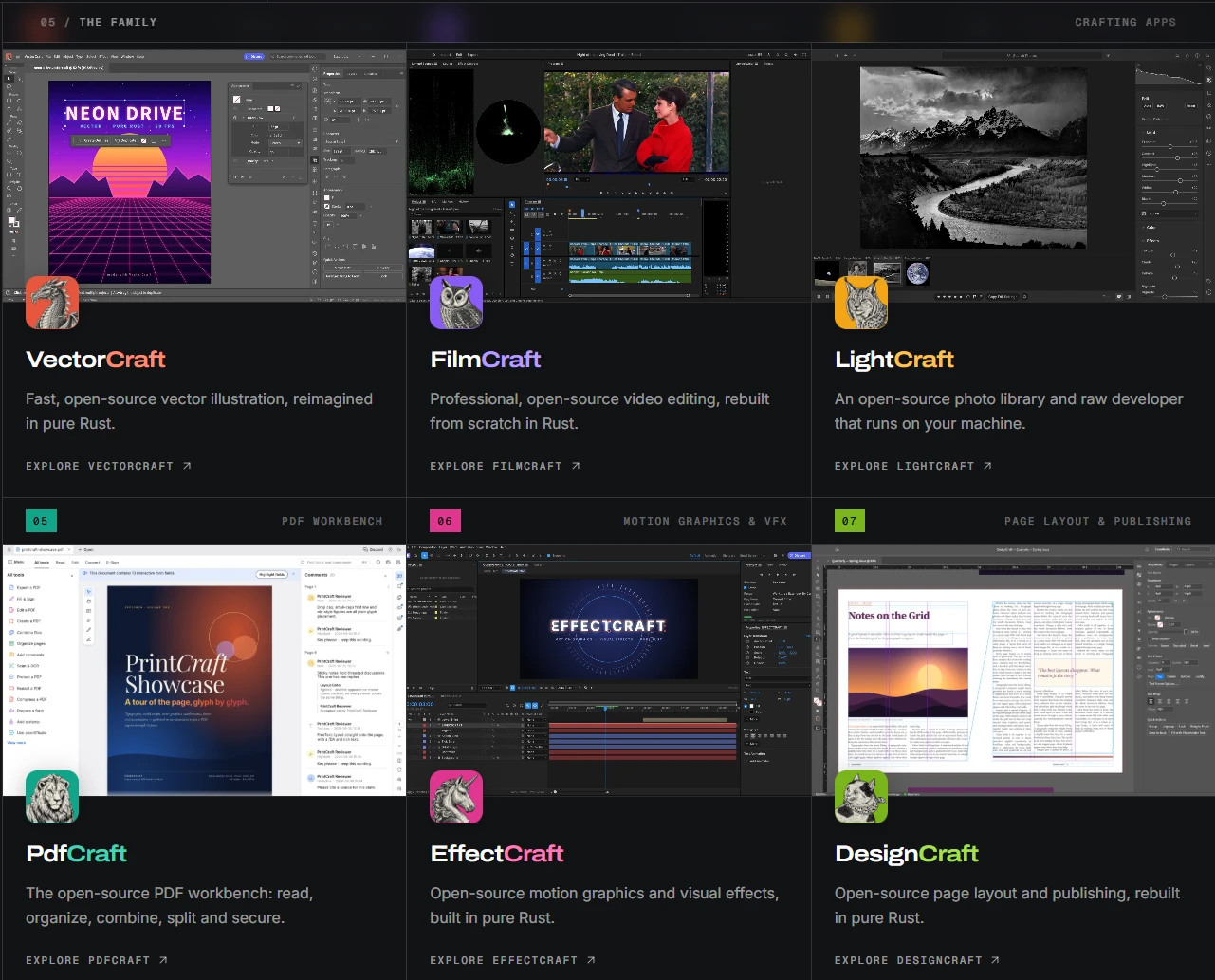
Adobe Photoshop has long been the industry standard for image editing. However, its subscription price tag remains a high hurdle for freelancers. PhotoCraft enters this space as a powerful, layer-centric editor. It supports native PSD/PSB file structures, allowing for non-destructive editing, adjustment layers, and text manipulation. Its command-line interface is a game-changer for technical creators, enabling automated image processing that simply isn’t possible in a closed GUI environment.
2. Plane: Demystifying Project Management
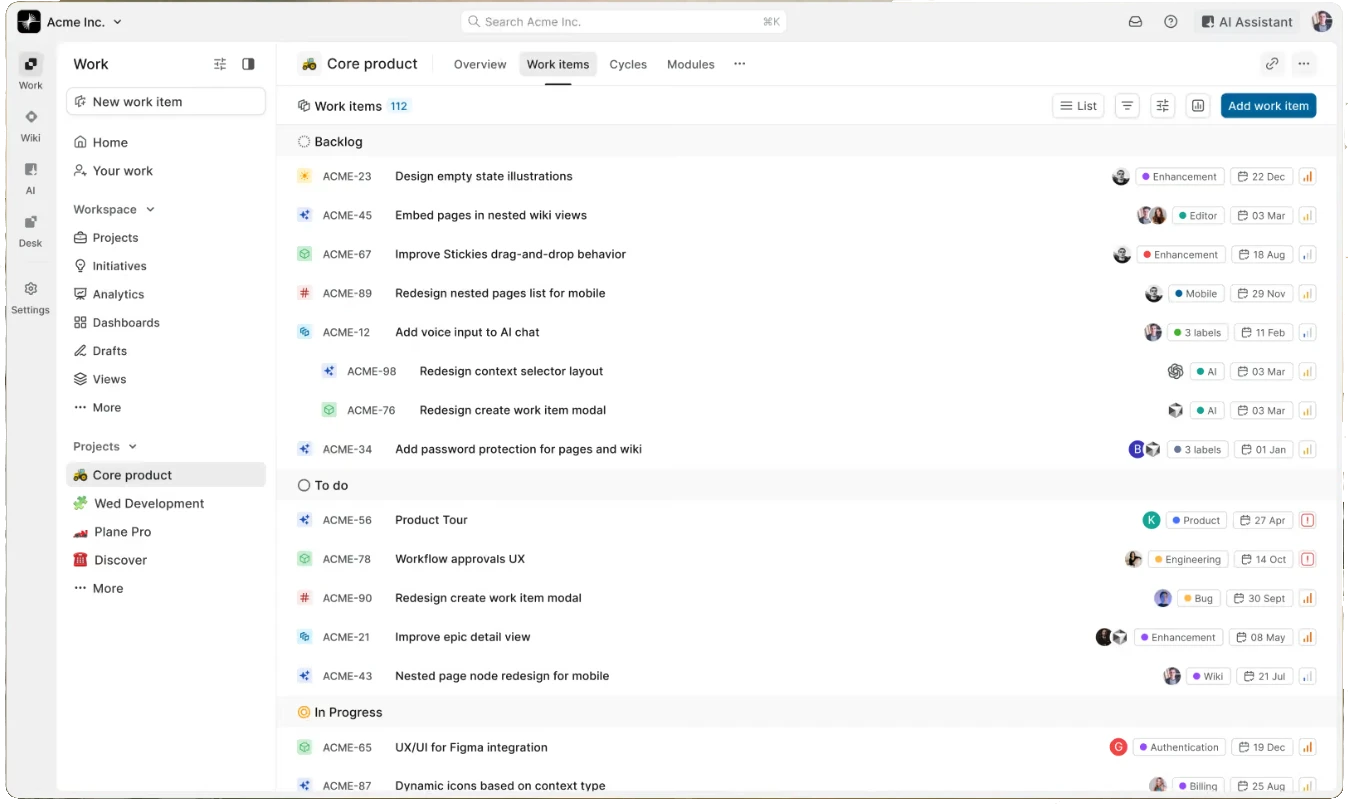
For teams tired of the complexity of Jira, Plane offers an open-source "Community Edition" that focuses on clarity. By organizing work into "Cycles" and "Modules," it provides a scalable way to track bugs, roadmap progress, and feature development. It is particularly well-suited for developers who want to keep their issue tracking and code repositories in a unified, transparent environment.
3. Activepieces: Automating the Workflow
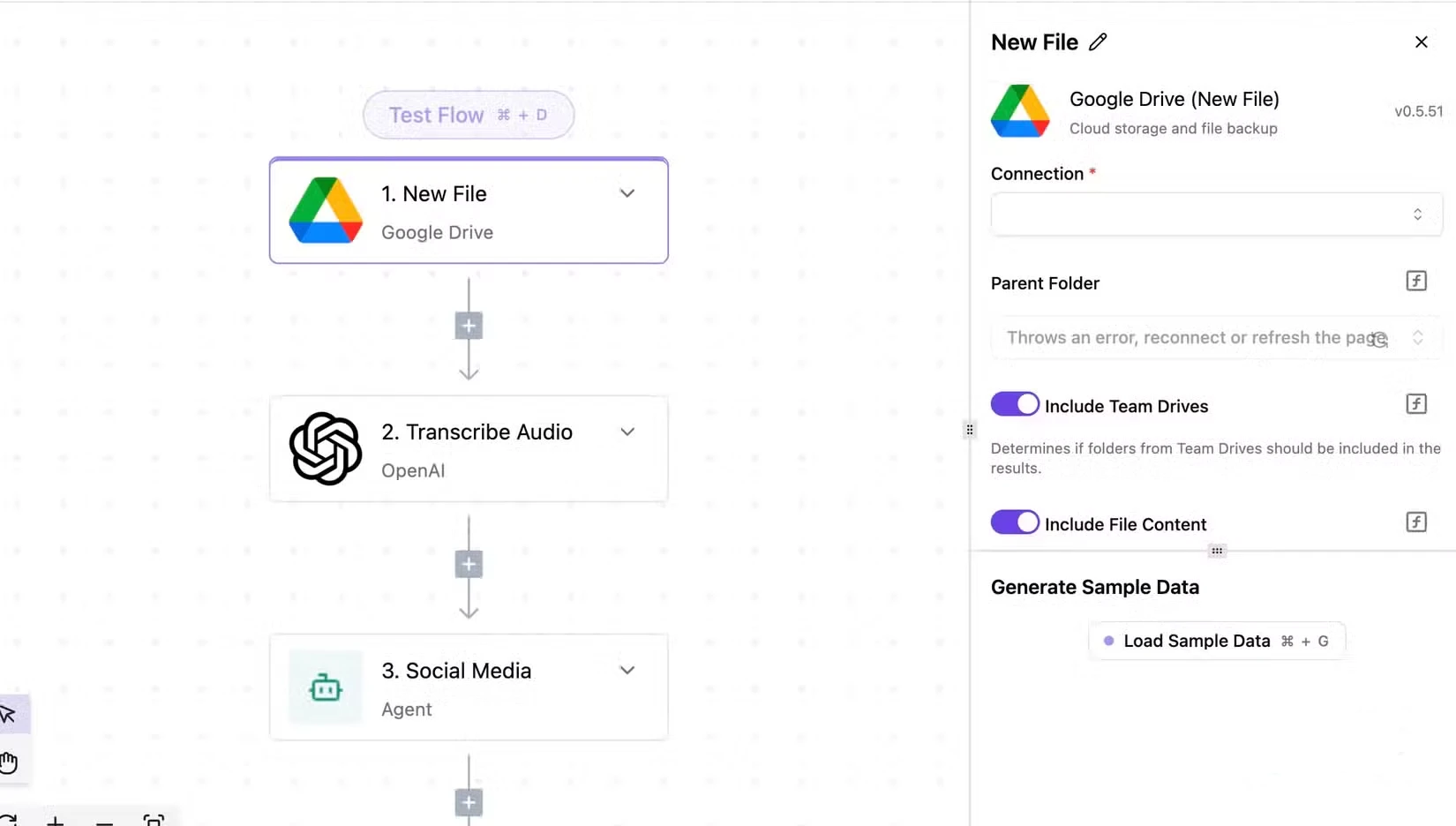
Zapier popularized the "trigger-action" automation model, but at a high cost per task. Activepieces offers an MIT-licensed alternative. Because it is self-hostable, the "cost per run" is effectively zero once your infrastructure is set up. With built-in support for TypeScript-based custom integrations, it provides the extensibility that power users crave.
4. Immich: The Google Photos Alternative
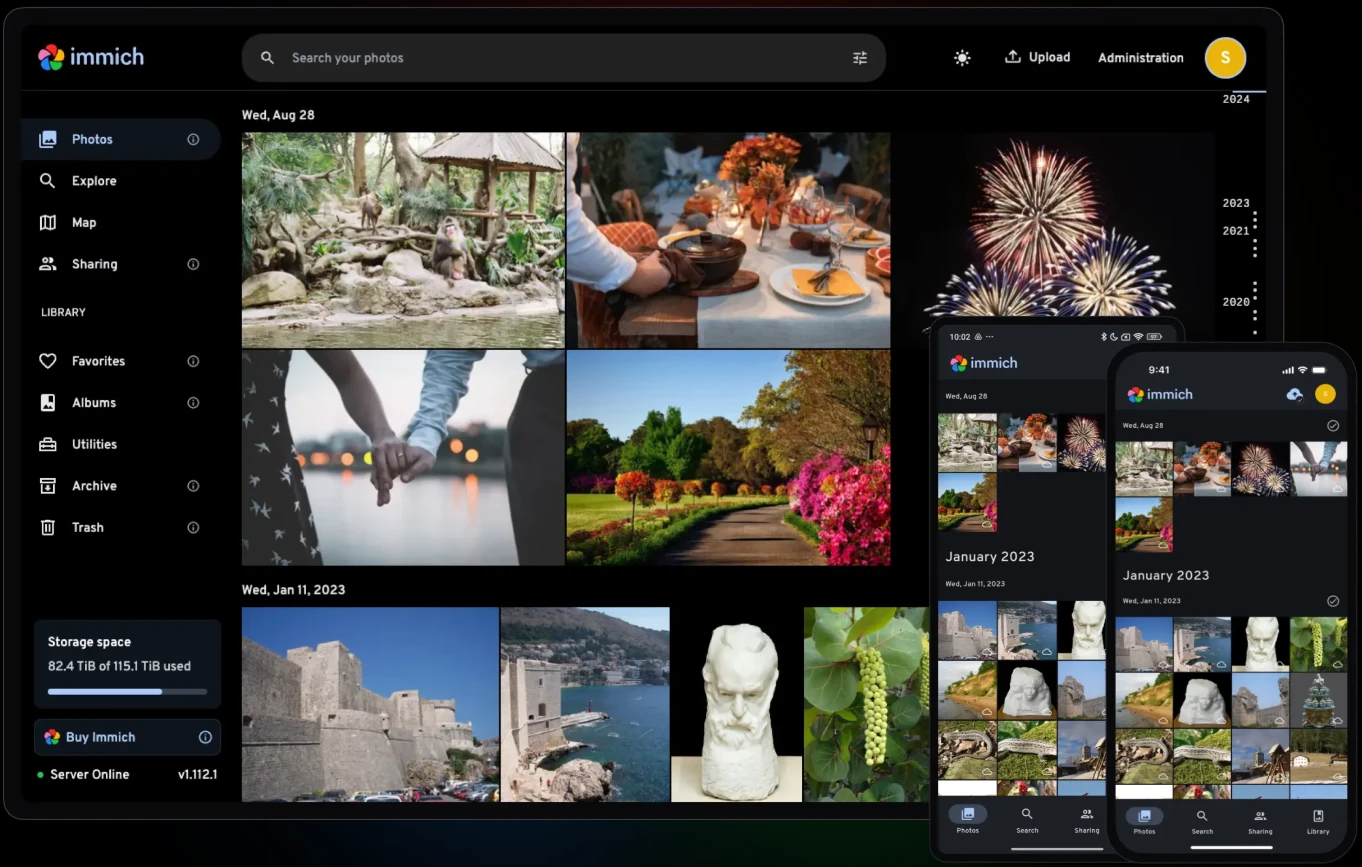
As Google One storage limits become more restrictive, Immich provides a self-hosted alternative that rivals the convenience of the cloud. By running it on a local NAS or home server, you maintain full ownership of your media. With features like mobile auto-backup, facial recognition, and lightning-fast search, it is the premier choice for those who value both privacy and convenience.
5. Stirling PDF: The Swiss Army Knife for Documents
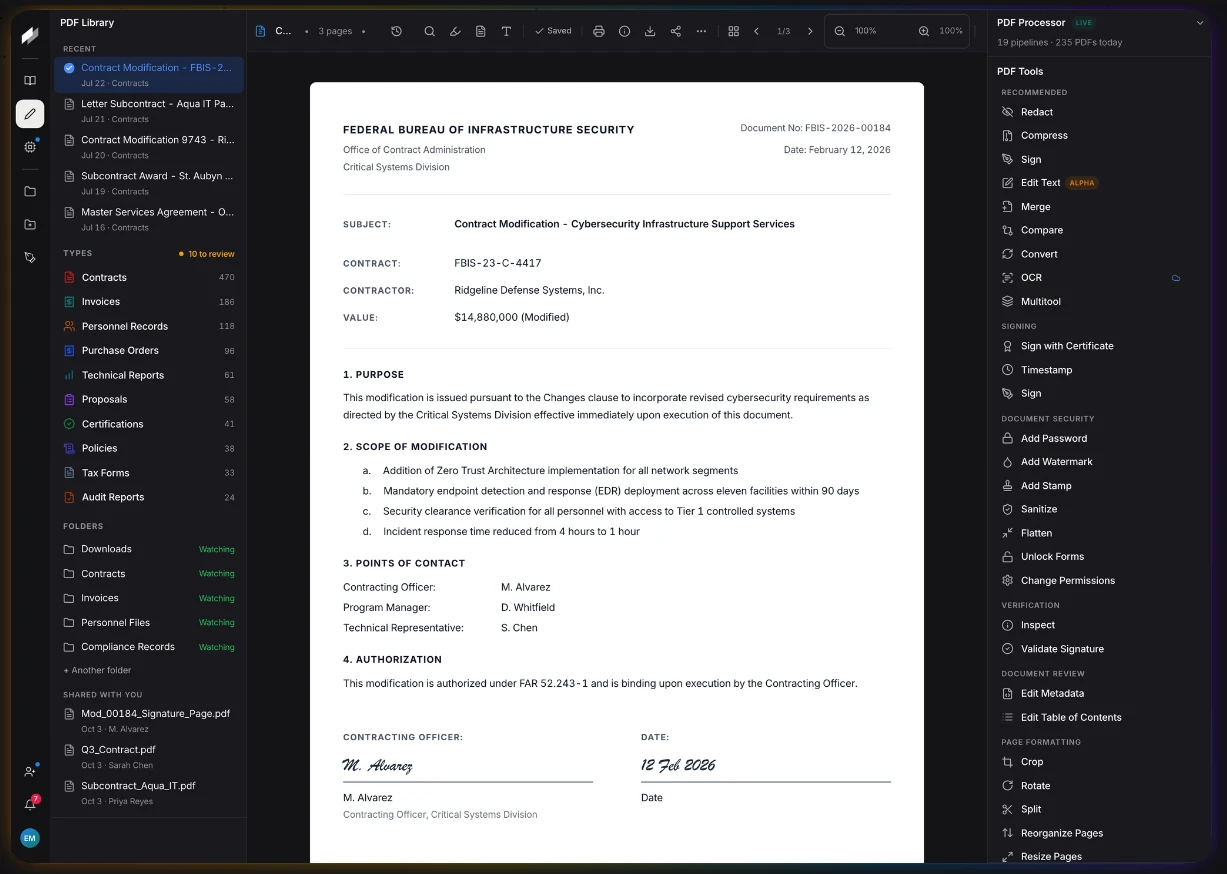
Adobe Acrobat Pro is often overkill for users who simply need to merge or rotate pages. Stirling PDF is a lightweight, browser-based utility that handles complex tasks—OCR, splitting, merging, and password protection—without requiring a subscription. Its ability to run locally ensures that sensitive documents never leave your machine.
6. OpenScreen: Polished Video Demos
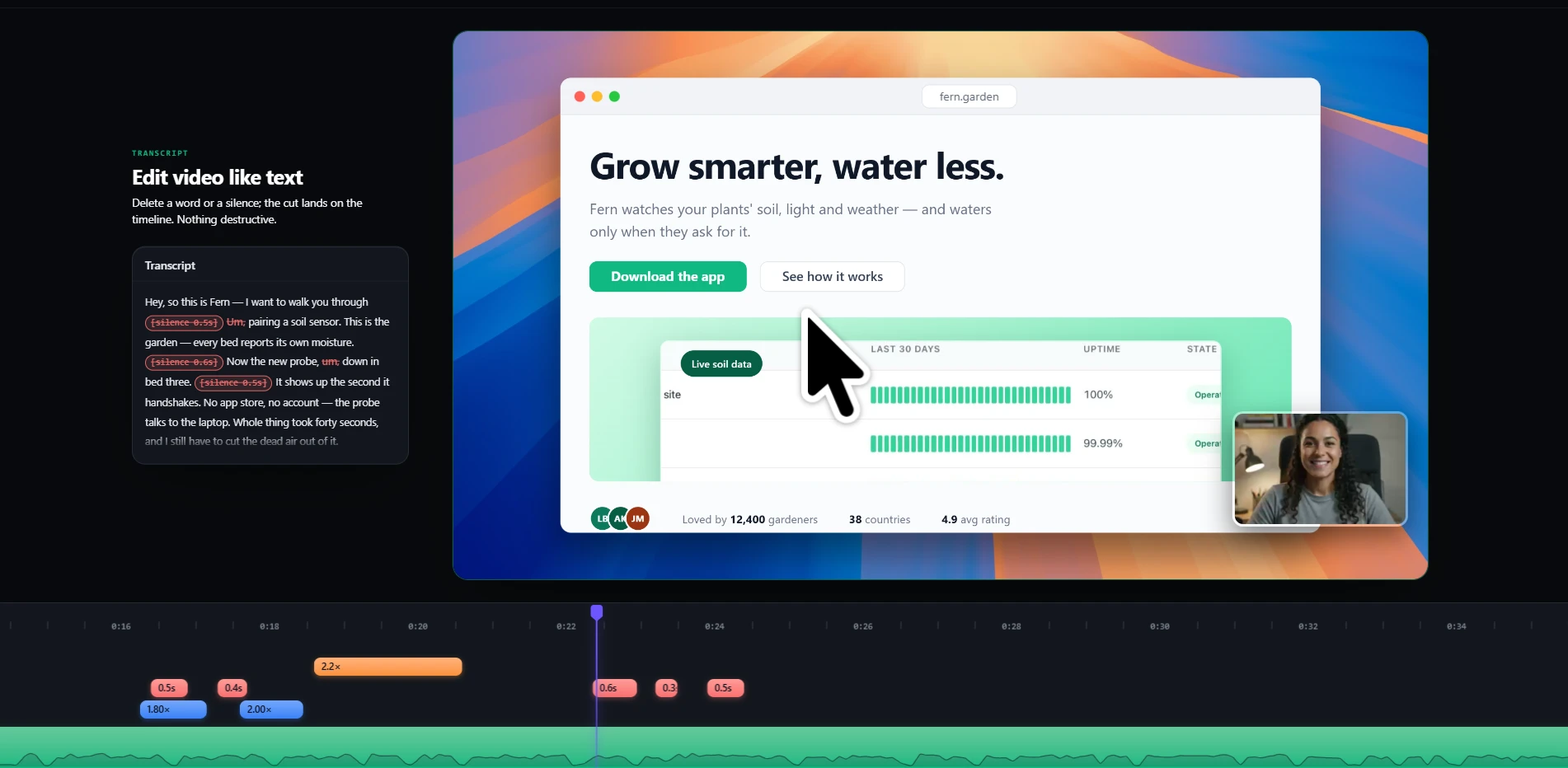
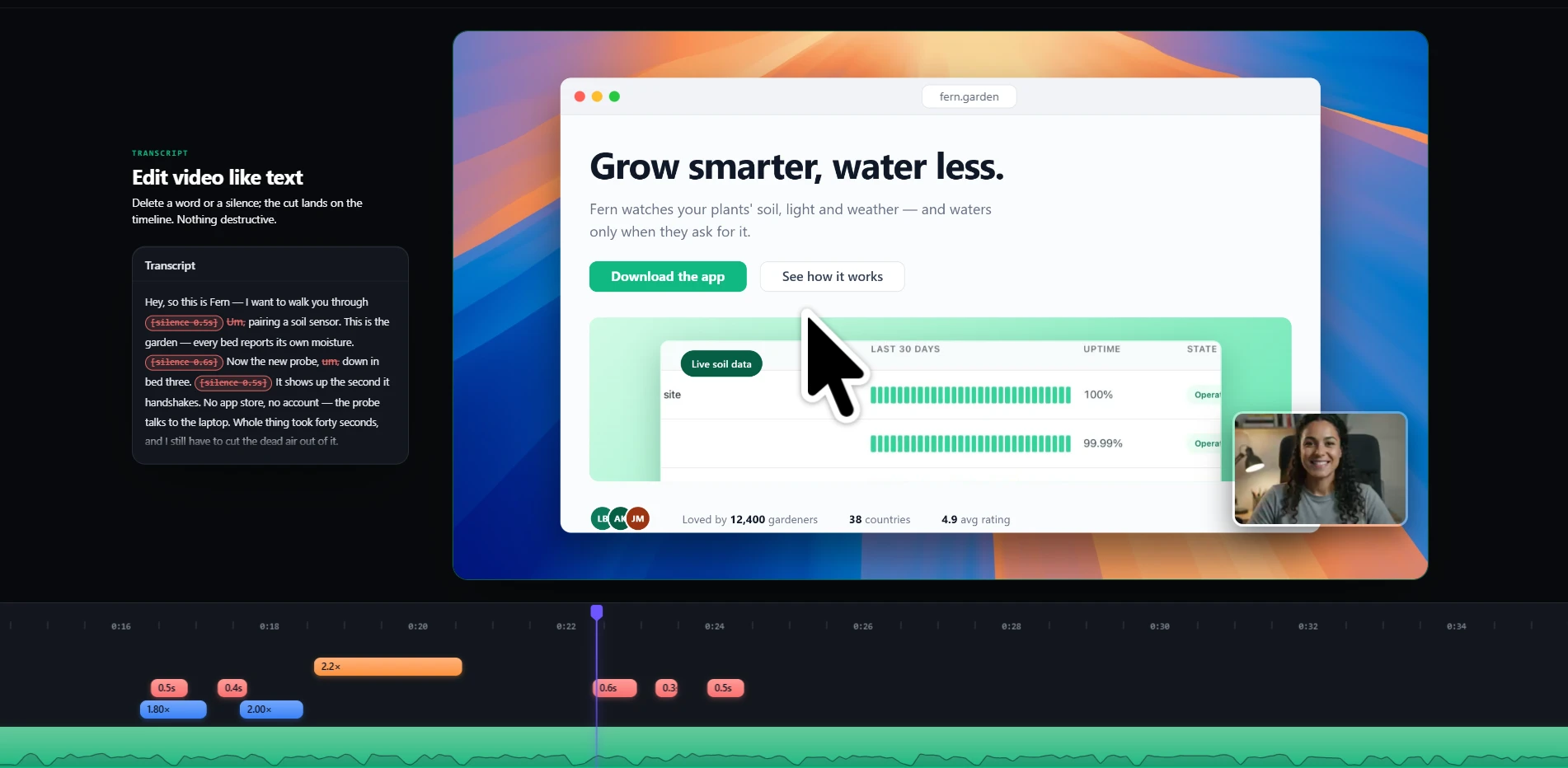
Creating high-quality tutorials often requires expensive editing software. OpenScreen bridges the gap by providing automatic zooms, cursor smoothing, and webcam overlays during the recording process. It is a vital tool for developers creating documentation or marketers producing product demos.
7. RustDesk: Secure Remote Access
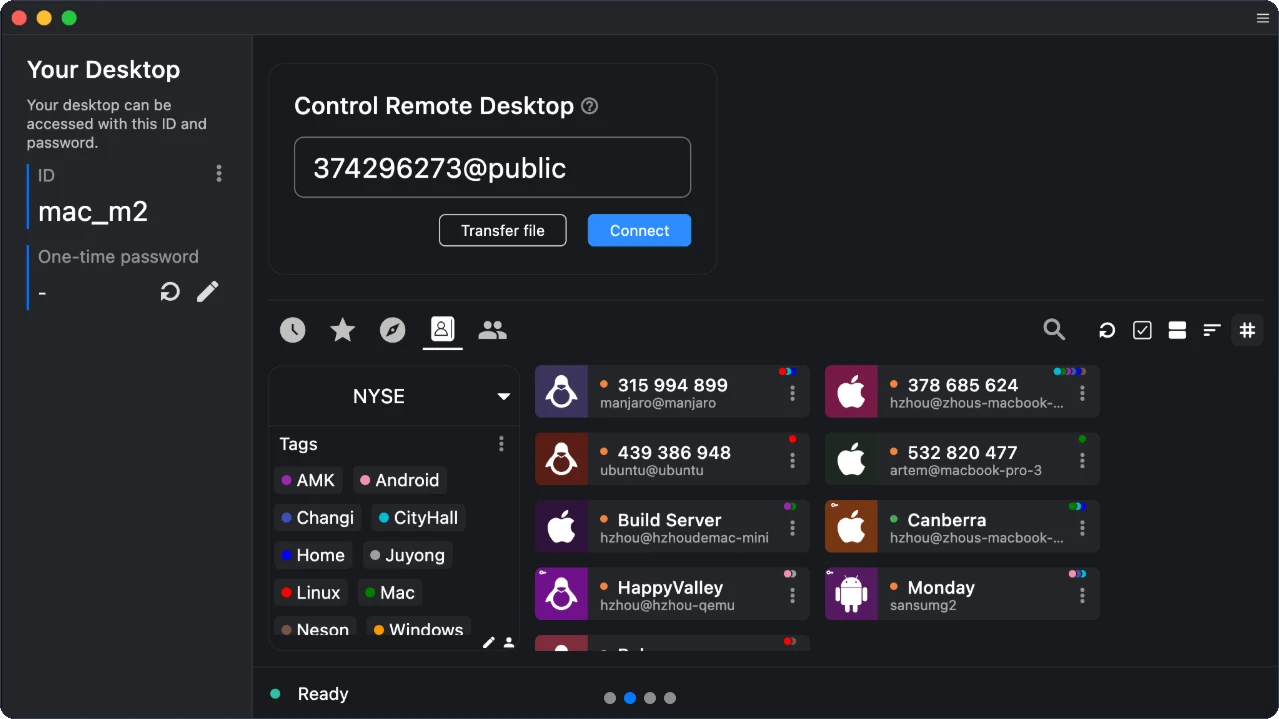
Remote desktop software like TeamViewer has become increasingly restrictive, often flagging personal users as "commercial" to force a subscription. RustDesk provides an open-source alternative that allows you to manage your own connection relays. It offers the same ease of use with the added benefit of complete control over your network traffic.
8. Documenso: The Future of Signatures
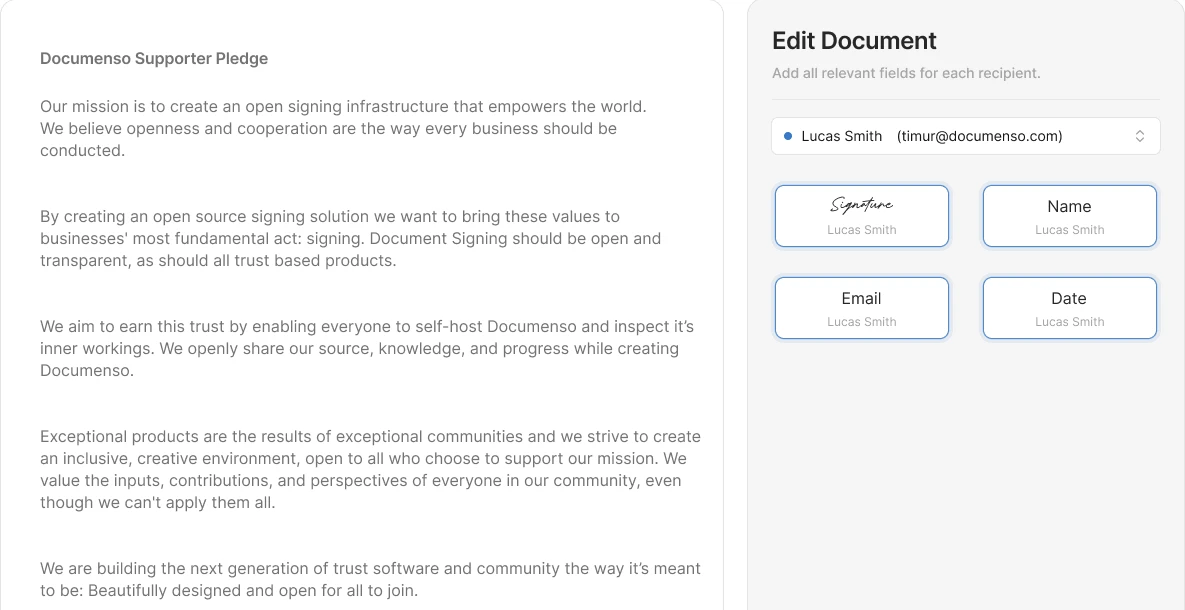
Electronic signatures are a legal requirement for most business transactions, and DocuSign has dominated this space. Documenso provides an open-source workflow for signing documents. By enabling self-hosting, companies can ensure that their contract data remains within their own security perimeter.
9. Listmonk: Newsletter Management
Email marketing platforms like Mailchimp are notorious for scaling costs as your subscriber list grows. Listmonk uses a self-hosted approach, utilizing your own SMTP provider. This decouples the software from the delivery, resulting in massive savings for high-volume newsletters.
10. OpenWhispr: Intelligent Dictation
Voice-to-text has reached a level of accuracy that makes it indispensable. OpenWhispr provides a free, MIT-licensed way to tap into high-performance models like OpenAI’s Whisper or NVIDIA’s Parakeet. Because it can run entirely offline, it offers superior privacy and speed for drafting documents.
Implications of the Open-Source Switch
Financial Implications
The most immediate benefit of transitioning to these tools is the drastic reduction in monthly overhead. However, users must account for the "hidden" costs of open source: server maintenance, electricity for self-hosting, and the time required for initial configuration. While the subscription fee is replaced by a one-time setup effort, the long-term ROI is overwhelmingly positive for those willing to learn the ropes.
Technical Responsibility
The shift from SaaS to open-source is fundamentally a shift in responsibility. In the proprietary model, the vendor manages the servers, ensures uptime, and handles security patches. In the open-source model, the user becomes the system administrator. For most businesses, this is an acceptable trade-off for the independence gained, but it requires a baseline level of technical competence.
Official Responses and Community Governance
The maintainers of these projects often stress that their goal is not just to replace paid software, but to provide better tools. Unlike proprietary vendors, which are beholden to shareholders, open-source projects are governed by community feedback and developer needs. This creates a feedback loop where features are added based on utility rather than profit margins.
Conclusion: Making the Transition
Switching your entire digital stack overnight is a recipe for disaster. The best strategy is to adopt an incremental approach:
- Audit: List your current subscriptions and identify which ones represent the highest cost or the most significant privacy risk.
- Trial: Start with one tool, such as Stirling PDF or RustDesk, to test your comfort level with self-hosting or open-source interfaces.
- Migrate: Once you are comfortable with one tool, expand to more complex systems like Plane or Listmonk.
- Evaluate: Keep track of the time and money saved. You will likely find that the increased control over your data is as valuable as the money you keep in your pocket.
The era of being a captive user to subscription-based software is waning. By leveraging the power of open-source, you are not just saving money—you are reclaiming your autonomy in a digital world that too often treats users as mere renters. The tools are here, the communities are active, and the only barrier to entry is the decision to take control.
Frequently Asked Questions
Q1. Are these tools truly free?
The core software is free and open-source. However, you will still need to account for infrastructure costs. If you choose to host these tools on cloud servers (like AWS or DigitalOcean), you will pay for that hosting. If you host them on your own hardware, you pay for the electricity and hardware upkeep.
Q2. Is it difficult to migrate my data?
Migration is the biggest challenge. Proprietary tools rarely provide easy export features for your history or complex project data. Always perform a test run with a small subset of your data before committing your entire archive to a new system.
Q3. Are these tools safe for professional work?
Many of these projects are used by enterprise teams. However, because you are responsible for the installation, you must also be responsible for the security updates. Always ensure your server is firewalled and that you keep your software updated to the latest versions.