By: Editorial Desk | Updated July 9, 2026
In the high-stakes world of B2B SaaS, the "Request a Demo" button is often treated as the ultimate objective—the finish line of a marketing campaign. Yet, for many organizations, this button has become a point of friction rather than a gateway to growth. When sales teams complain about lead quality and marketing teams struggle with stagnating conversion rates, the immediate impulse is to pour more budget into ad spend or A/B test a button color.
However, the data suggests a deeper systemic issue: companies are asking buyers to commit to a sales conversation before they have earned the right to be in the room.
The Misunderstanding of the B2B Buyer Journey
According to the 2025 LinkedIn Ads Benchmark Report from Dreamdata, the average B2B customer journey is a marathon, not a sprint. It spans 211 days and involves approximately 88 touchpoints. In this context, expecting a stranger to jump from an ad click to a high-pressure sales call is a fundamental mismatch of intent.
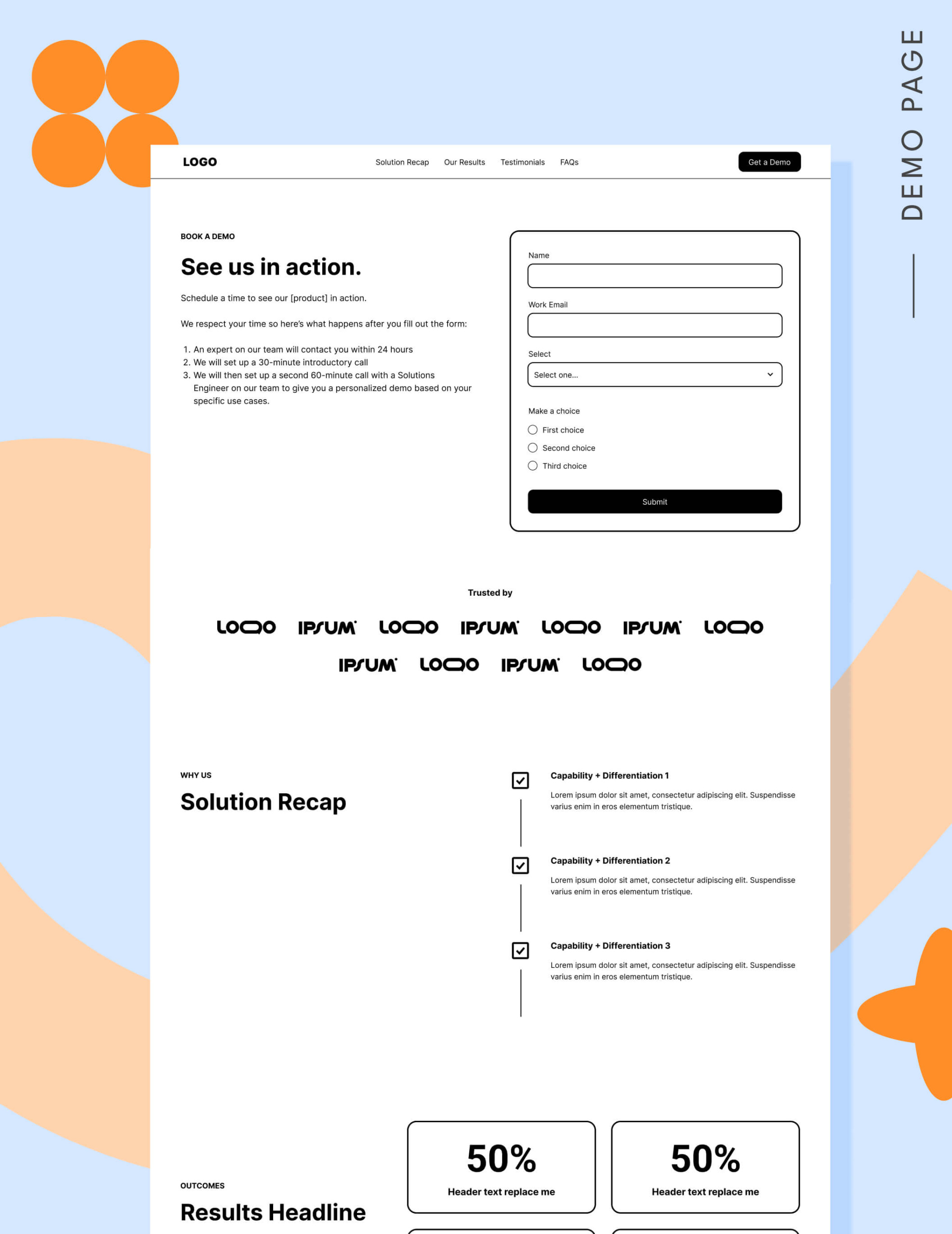
"Requesting a demo" is a significant commitment. It requires a buyer to share personal information, open their calendar, and mentally prepare for a sales pitch. If they haven’t built trust, researched alternatives, or confirmed that your product fits their specific pain points, they will bounce.
The Anatomy of the Problem: Why Demo Pages Fail
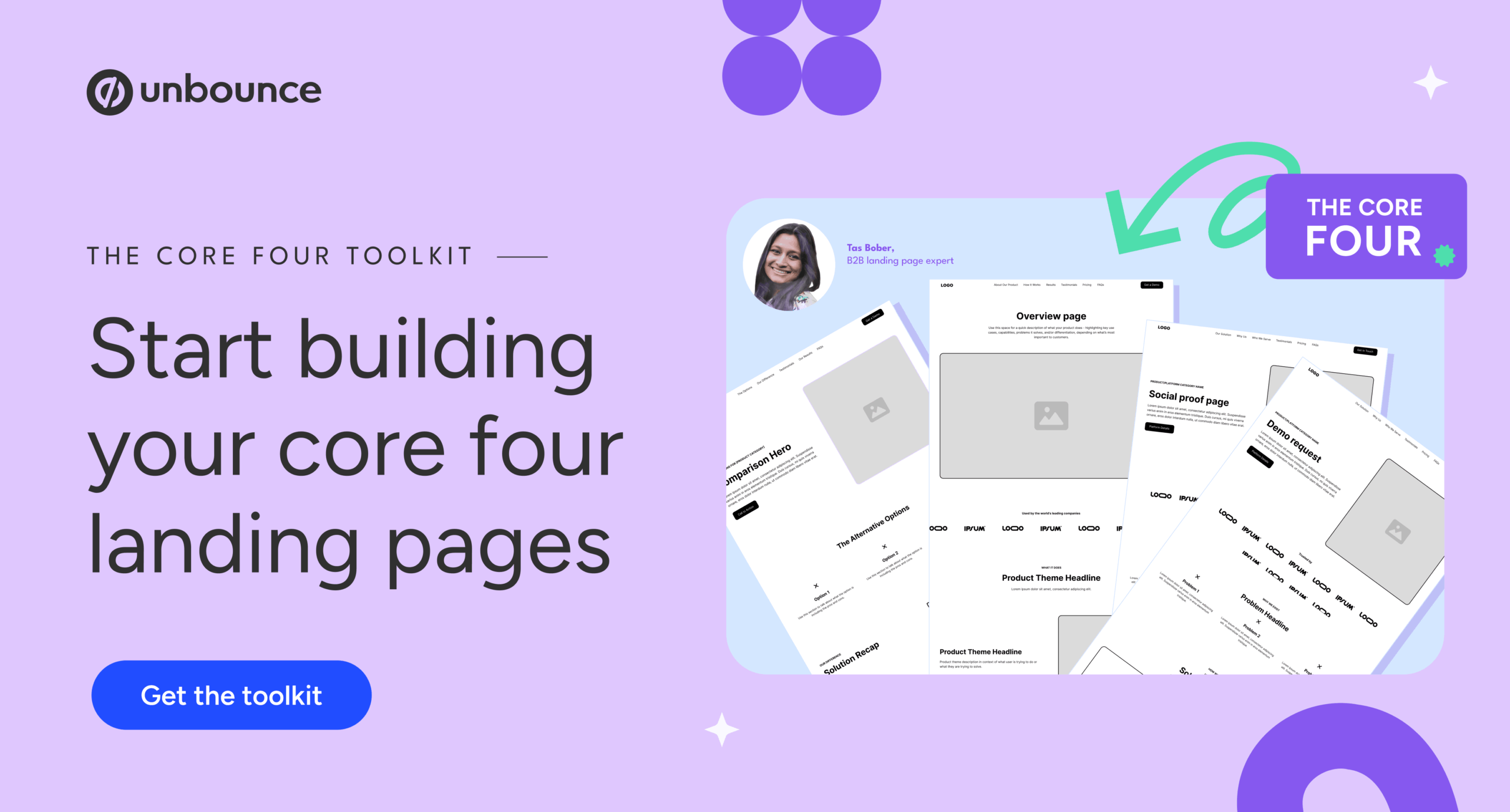
The most common mistake SaaS marketers make is treating a demo request like a low-friction action, such as a newsletter signup or an e-book download. Industry expert Tas Bober notes that the "Core Four" landing page framework is essential for guiding buyers through these stages. Most teams fail because they attempt to skip the education phase and force a conversion on a "cold" visitor.
The 7 Most Common Mistakes
- Targeting the Wrong Audience: Sending top-of-funnel (TOFU) traffic—people who are still identifying their problems—directly to a demo page.
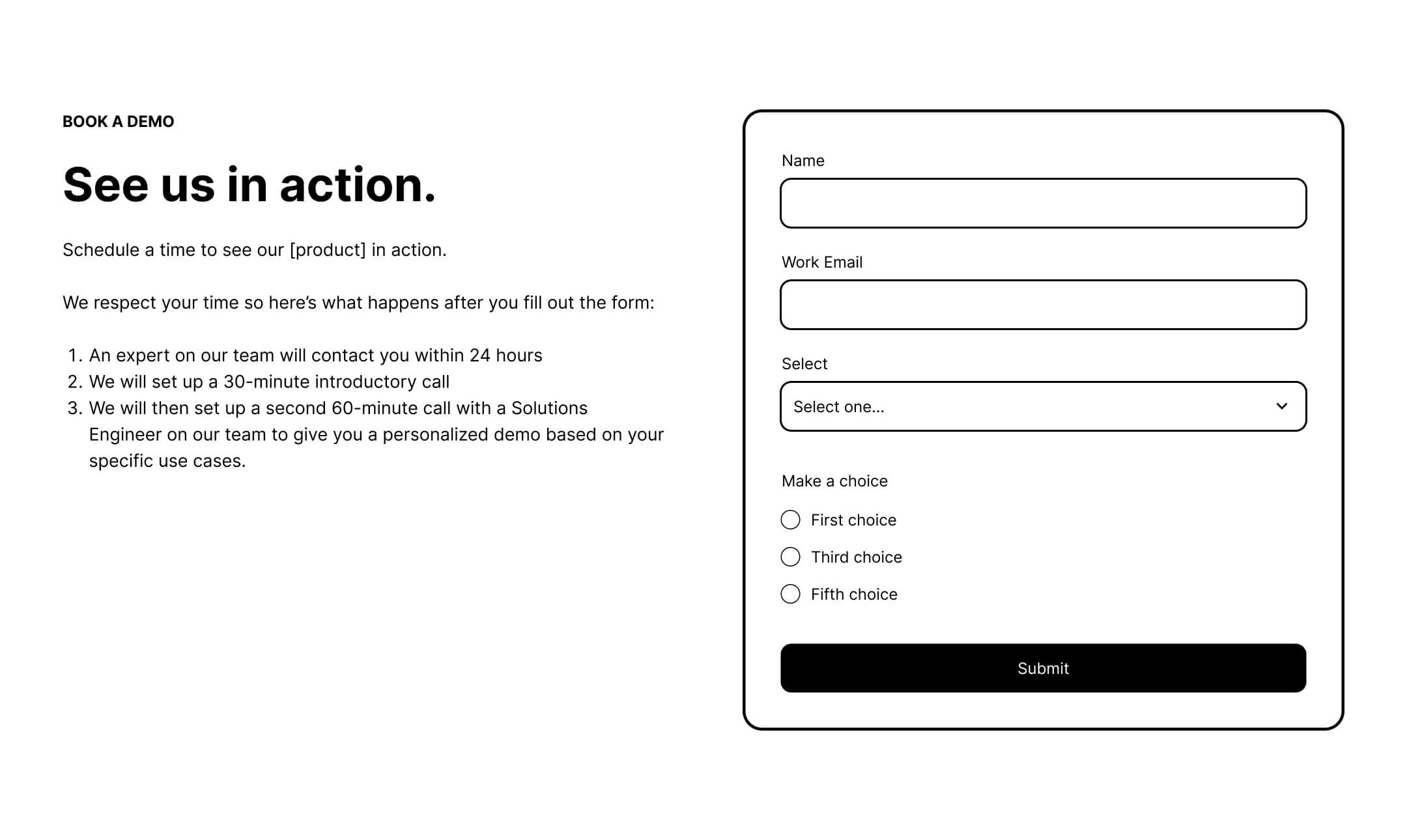
- Ignoring the "What Happens Next" Fear: Failing to explain that the demo isn’t a high-pressure interrogation.
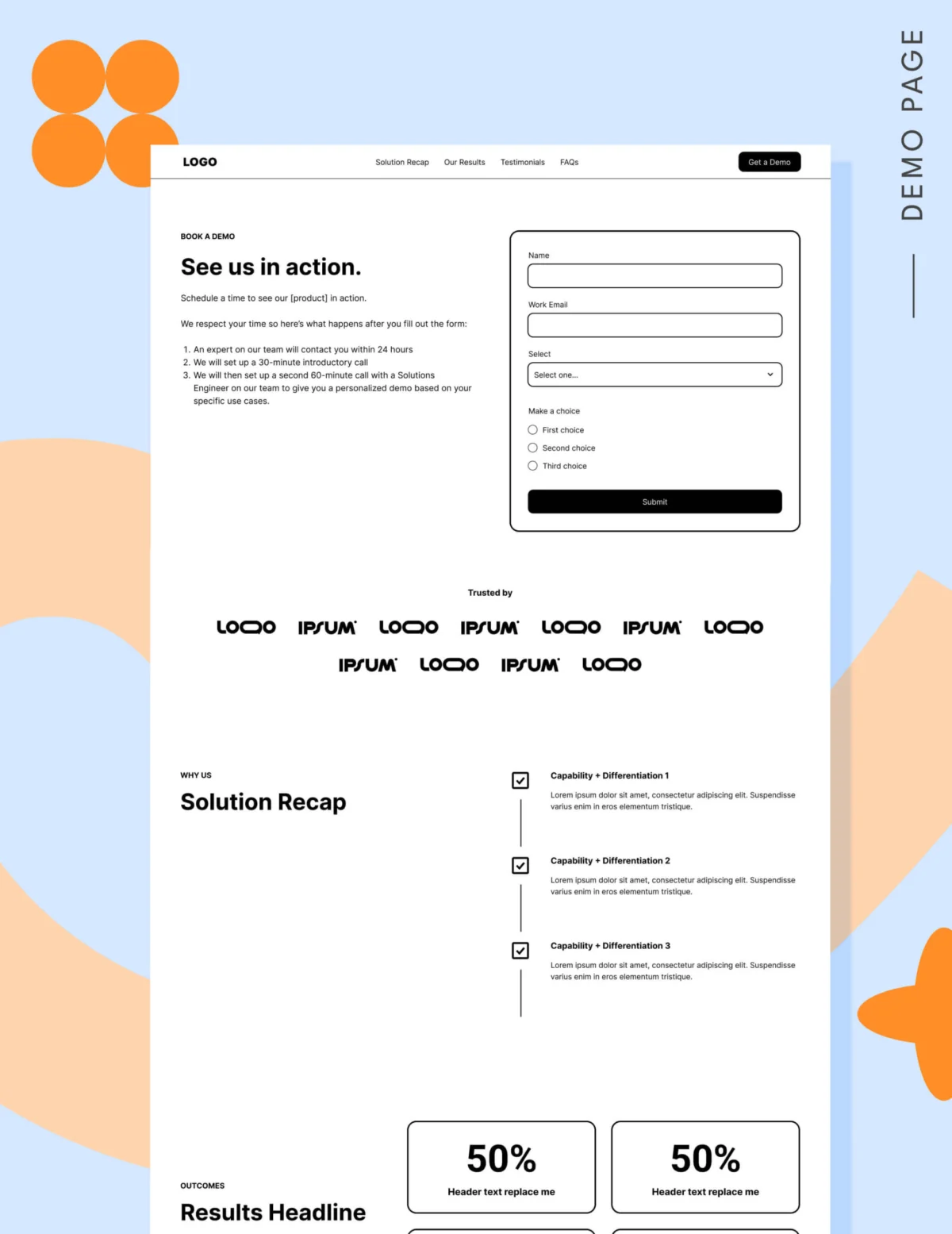
- Over-complicating Forms: Including more than five fields, which significantly drops conversion rates.
- Lack of Social Proof: Relying on generic claims rather than specific, quantified customer results.
- Absence of Pricing Transparency: Forcing a sales call just to get a ballpark figure, which alienates budget-conscious buyers.
- Poor Navigation: Removing all exit points, which can frustrate users who aren’t ready to buy and would rather learn more.
- Misaligned CTAs: Using "Request a Demo" when the user is only ready for a "Tour" or a "Consultation."
Supporting Data: Benchmarks for Success
Unbounce’s 2024 Conversion Benchmark Report identifies a median conversion rate of 3.8% for SaaS landing pages. More granular data from 2026 shows that, for highly optimized demo-specific pages, a rate of 3.1% to 4% is considered a realistic, healthy standard.
The critical insight here is the impact of form length. Conversion data indicates a sharp decline after five fields. If you require more than seven, your conversion rates will likely plummet below 11%. If you hit ten fields, you are effectively filtering out 93% of your potential traffic.
The Optimized Structure: A Blueprint for Conversion
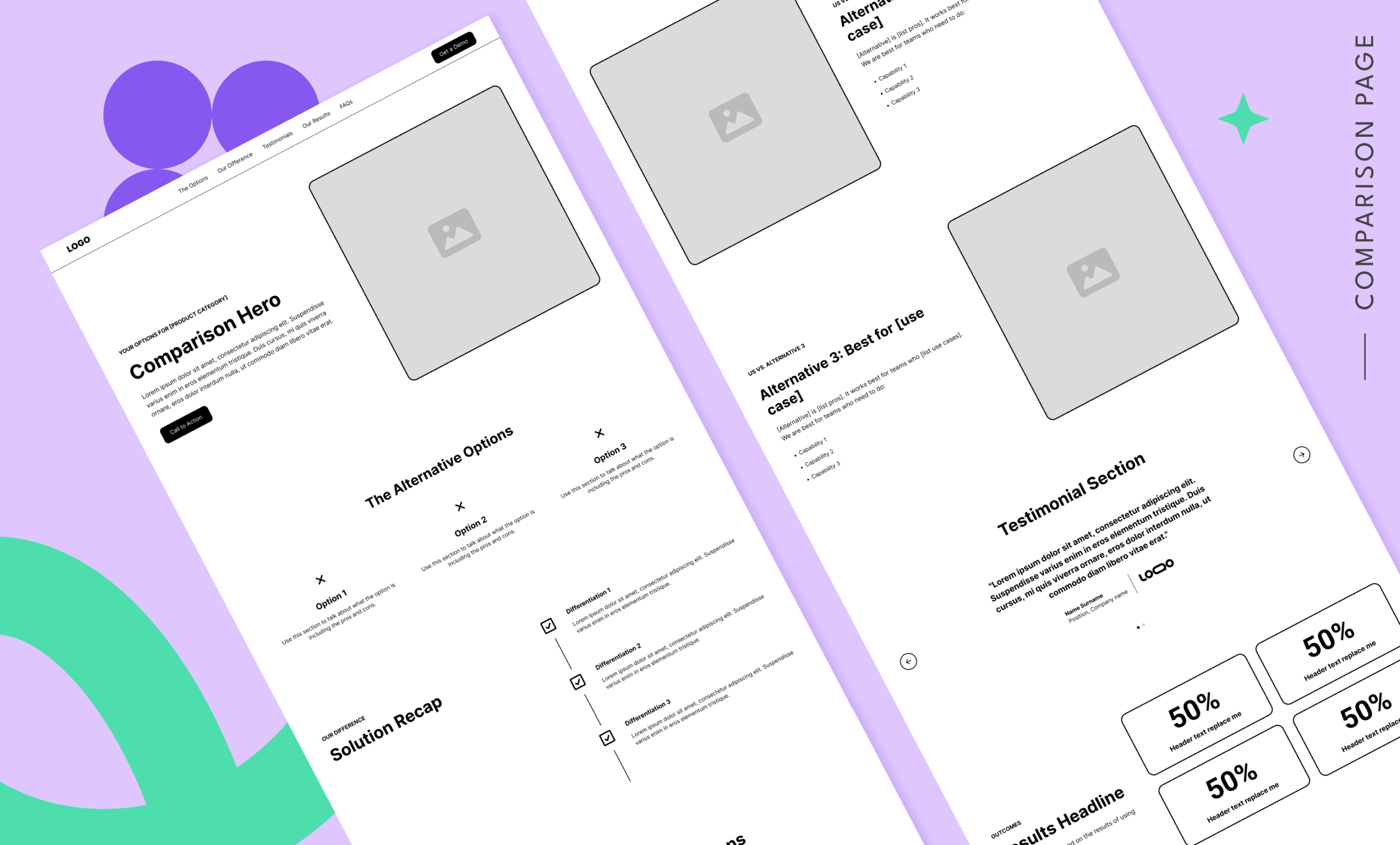
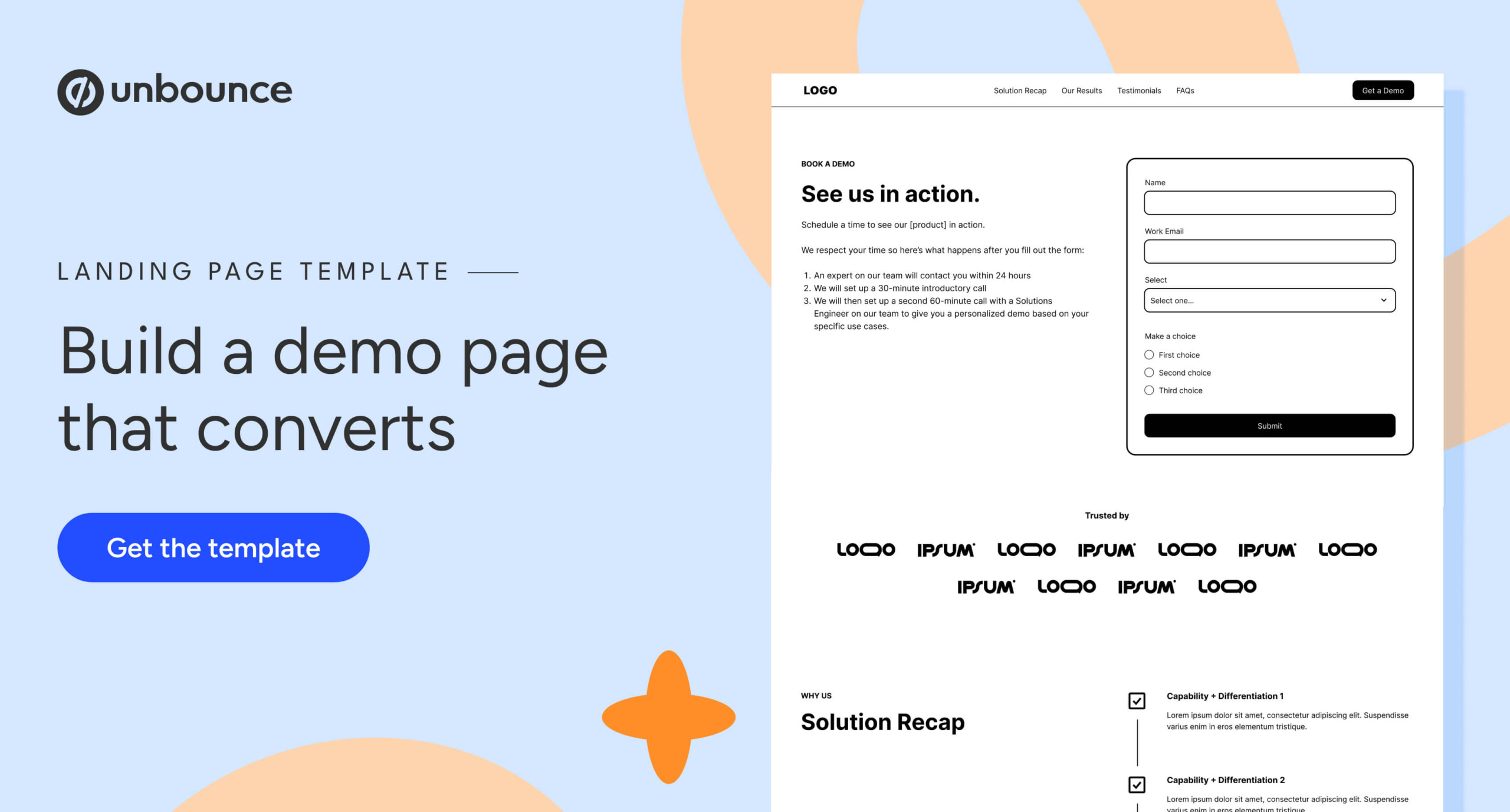
If you are sending warm, well-researched traffic to your page, the layout must act as a final trust-builder.
1. The Hero Section
The hero is the only place where leading with a form is recommended. It must clearly state the value proposition and, crucially, address the "fear of the sales call." If you use a consultation model, use clear language: "Book a 20-minute discovery call" is far more inviting than "Request a Demo."

2. The Navigation Strategy
Contrary to older "remove all links" advice, modern SEO and user experience standards—including Google’s updated ad quality models—favor providing relevant paths. Use an anchor navigation to help users jump to key sections (Pricing, Results, FAQs) without leaving the page.
3. The Proof Stack
- Logo Garden: If your clients are well-known, display them prominently.
- Results: Use quantifiable proof. Instead of saying "We increase productivity," say "Our users see a 30% reduction in workflow time within 30 days."
- Testimonials: Quantity signals safety. Aim for 6 to 12 testimonials to build the perception of a widely trusted solution.
4. Pricing: The Transparency Factor
Many sales-led organizations fear showing pricing, but transparency is a powerful filter. Showing a "starting at" range or a condensed pricing grid removes "window shoppers" from your sales pipeline, allowing your team to spend time with high-intent leads who already know the cost.
The Role of Technology: Forms vs. Calendly
The choice between a static form and a scheduling tool like Calendly should be dictated by your lead quality.
- Use a Form when you have high traffic volume and need to route leads through a qualification layer (e.g., SDR review).
- Use Calendly when you have a high-intent audience and want to reduce the "time to conversion" by allowing them to pick a slot immediately.
Implications for Future Strategy
The shift toward more transparent, educational, and low-friction demo pages is not just a trend; it is a response to a more sophisticated buyer. As the B2B landscape evolves, the companies that win will be those that respect the buyer’s time.
By aligning your landing page strategy with the actual needs of the buyer—rather than the quota requirements of the sales department—you create a more sustainable pipeline. The goal is no longer to "capture" a lead, but to facilitate the next logical step in a journey the buyer is already on.
Final Recommendations for CMOs
- Audit your traffic: Are you paying for clicks from people who don’t know who you are? Shift those dollars to educational content.
- Align Sales and Marketing: Define exactly what happens after the "Submit" button is pressed. Ensure marketing promises match sales delivery.
- Prioritize "Low-Friction" CTAs: Introduce a "Take a Tour" or "Watch a Webinar" option for visitors who aren’t quite ready for a one-on-one.
When you fix the traffic and clarify the journey, the conversion rate ceases to be a mystery and becomes a repeatable, predictable outcome of a well-engineered user experience.