In the modern software development landscape, the friction caused by repetitive, mundane tasks is the silent killer of productivity. Whether it is scaffolding a new repository, running a standardized deployment checklist, or re-typing the same prompt engineering instructions into an AI assistant, developers often find themselves trapped in a cycle of "manual overhead."
Claude Code, the sophisticated command-line interface tool from Anthropic, is fundamentally shifting this paradigm. By introducing "Slash Commands" and "Skills," the tool allows developers to distill complex, multi-step instructions into single, trigger-based commands. This article explores how to move beyond basic chatbot interactions and transform your development environment into a highly automated, personalized workspace.
The Philosophy of Slash Commands
At its core, a slash command is a minimalist interface design pattern—a short text trigger starting with a forward slash (/) that executes a predefined set of actions. This pattern has been popularized by collaboration platforms like Slack, Notion, and Discord, where the user intent is translated into an immediate machine response.
In the context of Claude Code, slash commands serve as a bridge between human intent and machine execution. Rather than drafting a lengthy paragraph explaining the directory structure you want to generate or the security protocols you need to follow during deployment, you simply type a command. The system immediately retrieves the associated context and executes the task, ensuring consistency across every project and every developer on a team.
Why Automation Matters
Repetitive tasks are not just time-consuming; they are error-prone. When a developer manually creates a project structure, there is a high probability of omitting a .gitkeep file, misconfiguring a folder hierarchy, or forgetting a critical README section. By codifying these processes into slash commands, teams ensure that every project starts with the exact same architecture, significantly reducing the "cognitive load" required to switch between different codebases.
Understanding Claude Code Skills: The Engine Under the Hood
While built-in commands provide general utility, the true power of Claude Code lies in its "Skills" framework. A skill is essentially a set of specialized instructions stored in a Markdown file that acts as a custom plugin for your terminal.

The Anatomy of a Skill
A skill is stored in a specific directory structure: .claude/skills/<name>/SKILL.md. The folder name determines the command itself—so a folder named deploy automatically registers as the /deploy command.
The power of these files comes from their YAML-based "frontmatter." This allows you to define:
- Name and Description: How the command is identified and what it does.
- Argument Hints: Defining inputs, such as requirements or file names.
- Model Invocation Controls: A critical feature that allows you to decide if the AI can trigger this command autonomously or if it requires explicit human intervention.
- Allowed Tools: Specifying exactly which system operations (like
Bash,Write, orRead) the command is permitted to execute, ensuring a high level of security and sandbox integrity.
The Power of Scoping
Skills are highly flexible. They can be defined at the user level (available to all your local projects) or the project level (specific to a repository). When you run a command, Claude Code searches for the definition in the current directory and travels upward through the parent directories until it reaches the root. This allows teams to ship "Project Skills" within a repository, ensuring that every contributor has access to the exact same workflow automation without needing to install global dependencies.

Implementation: Building Your First Custom Commands
To illustrate the practical application of this technology, let’s walk through the creation of two distinct skills.
Prerequisites
Before diving in, ensure you have the Claude Code CLI installed. If you haven’t, you can typically install it via your terminal:
npm install -g @anthropic-ai/claude-code
# Or your specific package manager
Note: Ensure you have authenticated your account via the API key to grant the CLI the necessary permissions.
Creating a Project Skeleton Command
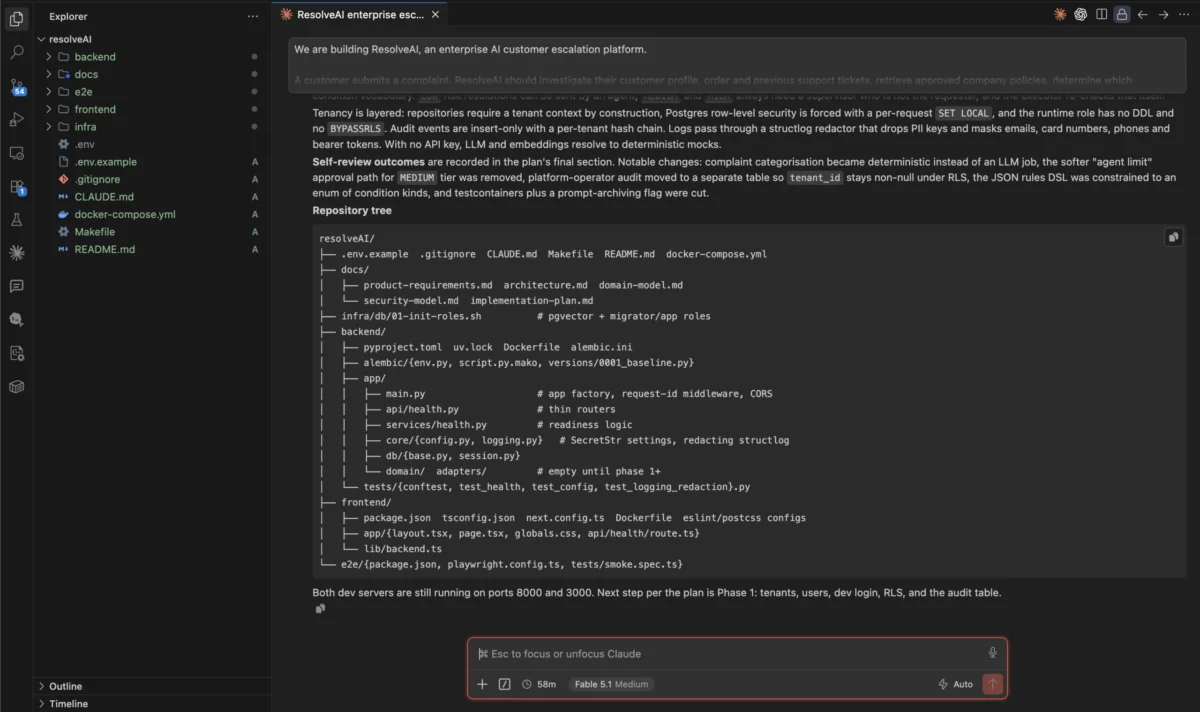
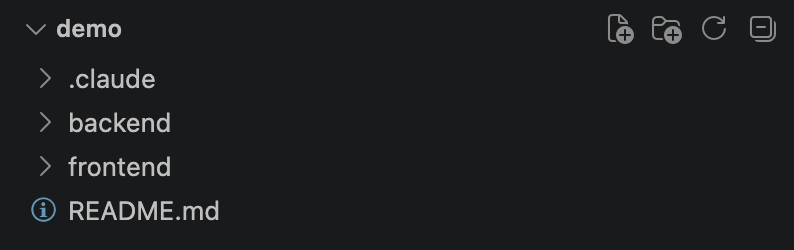
Imagine you frequently start new projects that require a specific folder structure: backend/, frontend/, and a README.md. Instead of creating these manually, we can define a new_repo command.
- Create the directory:
.claude/skills/new_repo/. - Inside, create a file named
SKILL.md. - Add the configuration header:
---
name: new_repo
description: Initialize a standard project structure
disable-model-invocation: true
allowed-tools: Bash(ls *), Bash(mkdir *)
---
Create the base project structure in the current working directory:
1. Create a `backend/` folder and add a `.gitkeep` file.
2. Create a `frontend/` folder.
3. Create a `README.md` with a project title, a structure overview, and "Getting Started" placeholders.
Do not overwrite existing files. Report back on what was created.
By setting disable-model-invocation: true, we ensure this command is an "active" tool—the model will not try to trigger it randomly. You, the developer, decide exactly when this initialization happens.
Creating a Functional Frontend Generator
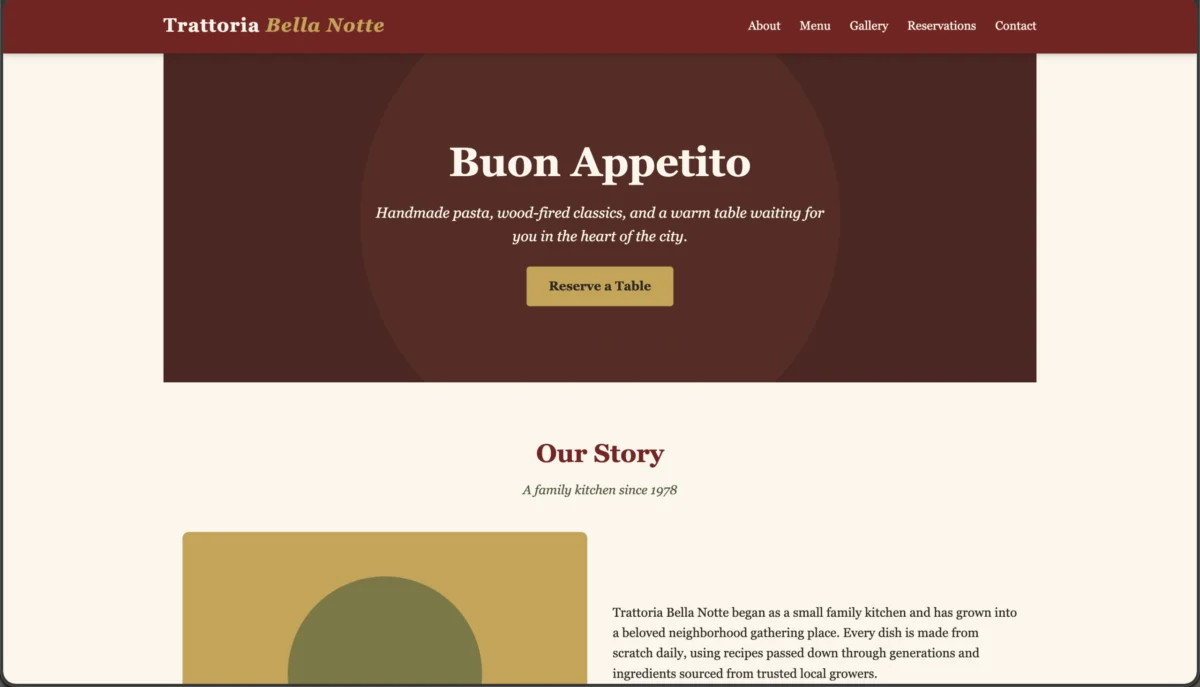
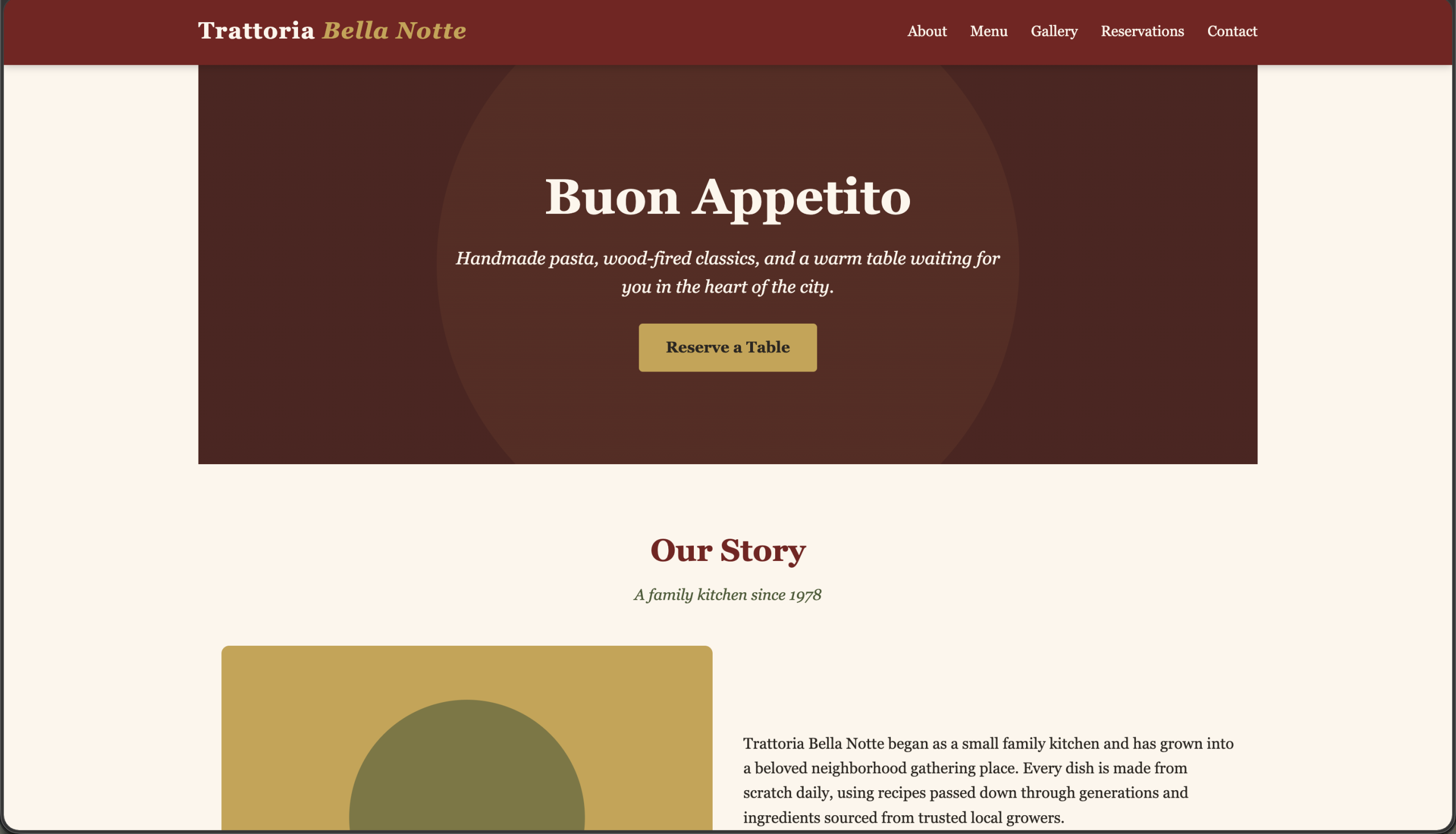
To further boost efficiency, we can create a create_html skill that takes a specific requirement as an argument and generates a standalone, responsive HTML file.
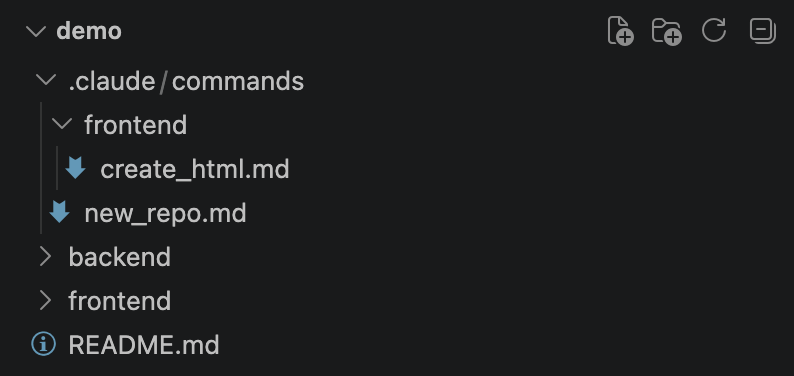
In your .claude/skills/create_html/SKILL.md file:
---
name: create_html
description: Create a standalone HTML file for a given requirement
argument-hint: [requirement]
disable-model-invocation: true
allowed-tools: Write
---
Create a single, standalone HTML file that implements: $ARGUMENTS
Guidelines:
- Inline CSS and JS.
- No external dependencies.
- Semantic and accessible HTML.
- Save to frontend/index.html.
When you are inside your project and type /create_html "a login form with validation", Claude Code will interpret the prompt, apply your constraints, and generate the code, saving you from the tedious setup of basic boilerplate.
Implications for Development Teams
The introduction of these tools marks a significant shift in the role of the AI developer assistant. It moves the AI from a "chatty partner" to an "active agent" that understands the specific culture and workflow of a team.

Standardization of Best Practices
In larger organizations, "tribal knowledge" is a common problem. One developer might write a deployment script in Bash, while another uses Python. By using Skills, a Lead Developer can define a /deploy command that strictly follows company security protocols. Because these skills are stored in the repo, the knowledge is version-controlled and shared automatically.
Reducing Cognitive Context Switching
Every time a developer has to stop writing code to figure out how to set up a new environment or where to save a configuration file, they lose their "flow state." By delegating these repetitive tasks to a slash command, the developer keeps their mental focus on the architecture and the logic of the product, rather than the administration of the environment.
Official Perspective and Future Outlook
While Anthropic’s official documentation emphasizes the flexibility of the tool, the community feedback suggests that the "Skills" framework is becoming the preferred way to integrate AI into existing CI/CD pipelines. As LLMs become more capable of executing complex Bash commands, the security implications of "Allowed Tools" are being refined. The ability to lock down a command to only specific tools—like Write or Read—provides a "least-privilege" environment that satisfies even the most security-conscious enterprise teams.

Frequently Asked Questions (FAQ)
Q: Are Skills exclusive to the repository, or can I have global skills?
A: Both. You can place skills in your home directory for personal workflows (like a /todo tracker) or within a repository for team-wide tasks.
Q: What happens if I update a SKILL.md file?
A: Claude Code reads these files dynamically. Any change to the markdown file is reflected the next time you invoke the command, allowing for rapid iteration of your automated workflows.
Q: Can I share these skills with my team?
A: Yes. Because they are just markdown files, you can commit the .claude/ directory to your version control system (e.g., GitHub). Once your team pulls the code, they will have immediate access to your custom slash commands.
Conclusion: The Automated Frontier
The integration of Slash Commands and Skills into the Claude Code ecosystem represents a maturation of AI-assisted development. We are moving away from the era of "Prompting as a Service" and into an era of "Workflow Automation as a Service."
By investing time in defining your project’s SKILL.md files, you are not just saving a few keystrokes—you are codifying your team’s expertise. You are creating a reproducible, consistent, and highly efficient development environment that scales with your project. As AI becomes more deeply integrated into the terminal, those who master these "trigger-based" workflows will find themselves significantly faster and more accurate than those relying on manual processes.
The future of coding is not just about writing code; it is about defining the systems that write the code for us. With Claude Code, that future is already here, waiting behind a simple forward slash.