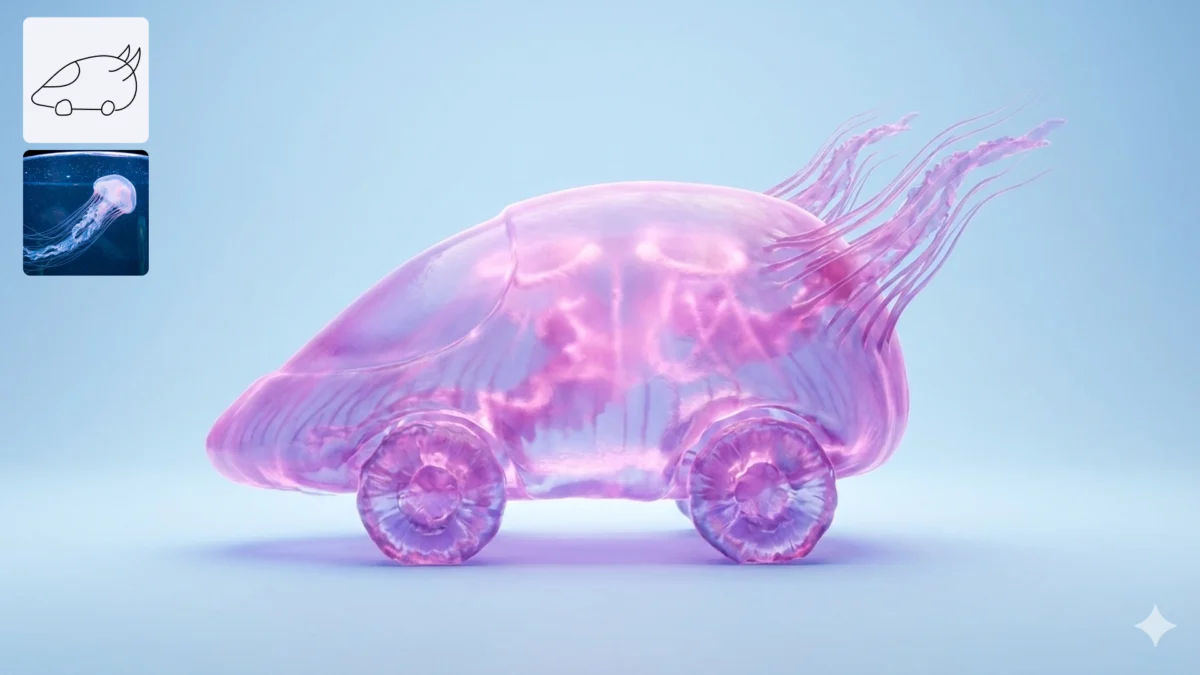
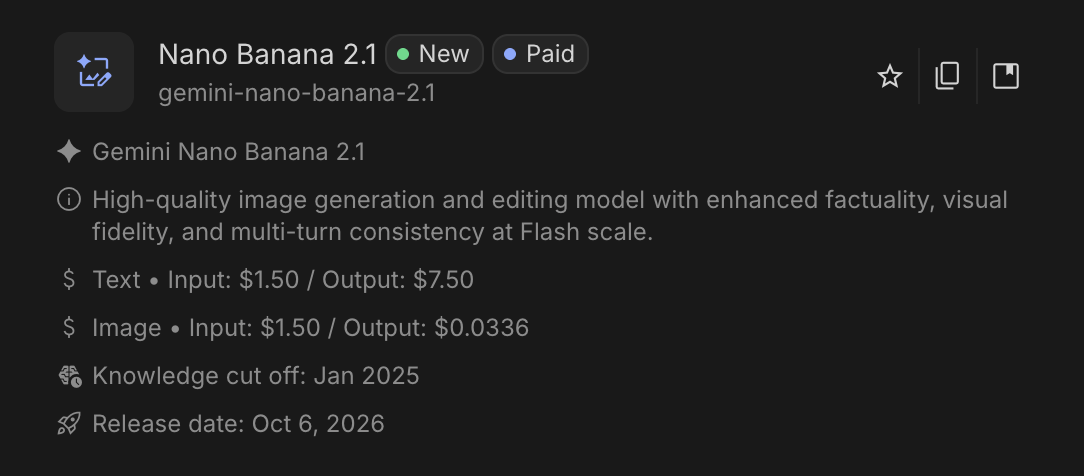
In the rapidly evolving landscape of generative artificial intelligence, the barrier between professional-grade design and casual experimentation is dissolving. The latest release from Google, Nano Banana 2.1 (API: gemini-nano-banana-2.1), represents a significant leap forward in this transition. Designed to be more than just a novelty image generator, this model positions itself as a versatile utility for creators, educators, and developers who require high-fidelity visuals without the complexity of toggling between specialized design suites.
Whether you are crafting a lesson illustration, developing a project chart, or storyboarding a technical comic, Nano Banana 2.1 aims to streamline the workflow by translating text prompts into precise visual assets. But how does it perform under the scrutiny of real-world, multi-faceted tasks? This article provides a comprehensive evaluation of the model, testing it across four distinct use cases to determine its strengths, its limitations, and its place in your digital toolkit.
The Evolution of Nano Banana: What’s New?
Nano Banana 2.1 arrives as the official, recommended successor to the Nano Banana 2 architecture. By prioritizing accessibility, Google has ensured that this model is freely available to all users, effectively cementing it as the primary image generation engine for the immediate future.
Key Advancements
Unlike its predecessor, version 2.1 brings improved instruction-following capabilities and a more nuanced understanding of aesthetic styles. Google has implemented flexible output resolutions—ranging from 1K to 4K—allowing users to tailor the quality of the image based on the specific requirements of their project. Furthermore, the model incorporates adjustable "thinking levels," a feature that, depending on the interface, allows the user to balance the depth of the model’s processing against the speed of generation.
For those operating within the Google AI Studio environment, the integration is seamless. The model’s ability to parse complex, multi-part prompts is significantly more robust than previous iterations, making it a viable candidate for tasks that require structural accuracy, such as data visualization and narrative sequencing.
Accessing Nano Banana 2.1
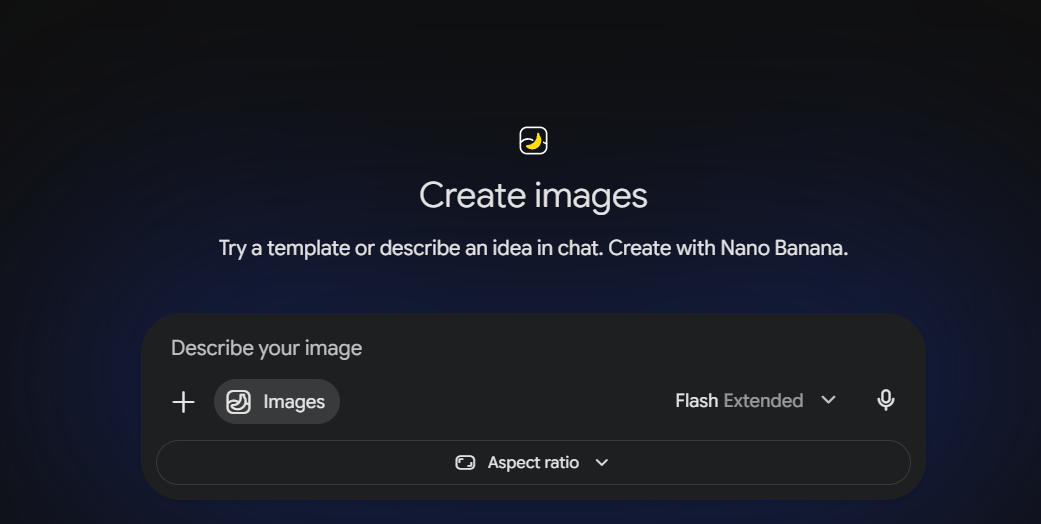
Integration is a critical factor for any modern AI tool. Nano Banana 2.1 is designed for broad deployment, with access points currently available through:
- Google AI Studio: The primary sandbox for developers and power users, providing granular control over model parameters and system instructions.
- Integrated API Endpoints: For developers building third-party applications, the
gemini-nano-banana-2.1API allows for programmatic generation, enabling the integration of these visuals into existing web workflows. - Web-Based Interface Modules: For casual users, various interfaces are being rolled out to allow for rapid, chat-based generation without the need for manual API management.
Hands-on Testing: Four Practical Scenarios
To truly understand the capability of Nano Banana 2.1, we conducted four tests, each designed to push the model in a different direction—from abstract conceptualization to strict quantitative plotting.
1. Explaining RAG with Clay
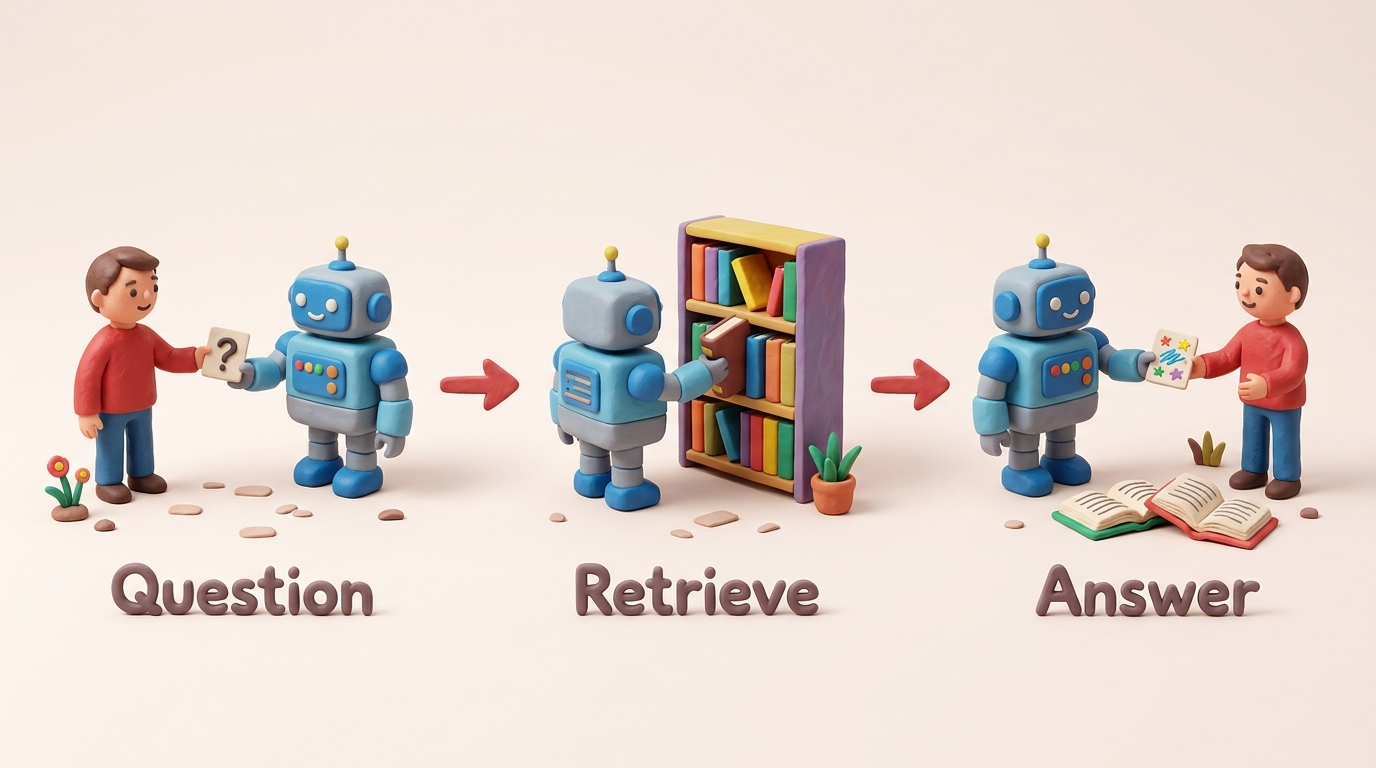
Retrieval-Augmented Generation (RAG) is a complex technical concept. To explain it visually, we asked the model to generate a clay-diorama-style illustration.
- The Prompt: We requested three specific stages: a user asking a question, a robot retrieving books, and the final answer being provided.
- The Result: The model successfully adopted the "handmade clay" aesthetic, creating a charming, high-texture output. The sequence was logical, and the labels were perfectly legible. However, it struggled with numerical precision; while the prompt asked for "two books," the model depicted only one. This highlights a common limitation: while the model excels at style and layout, it can occasionally falter on specific item counts within complex scenes.
2. Plotting Accurate Bar Proportions
Data visualization is often a weak point for generative AI, which tends to prioritize aesthetics over mathematical accuracy.
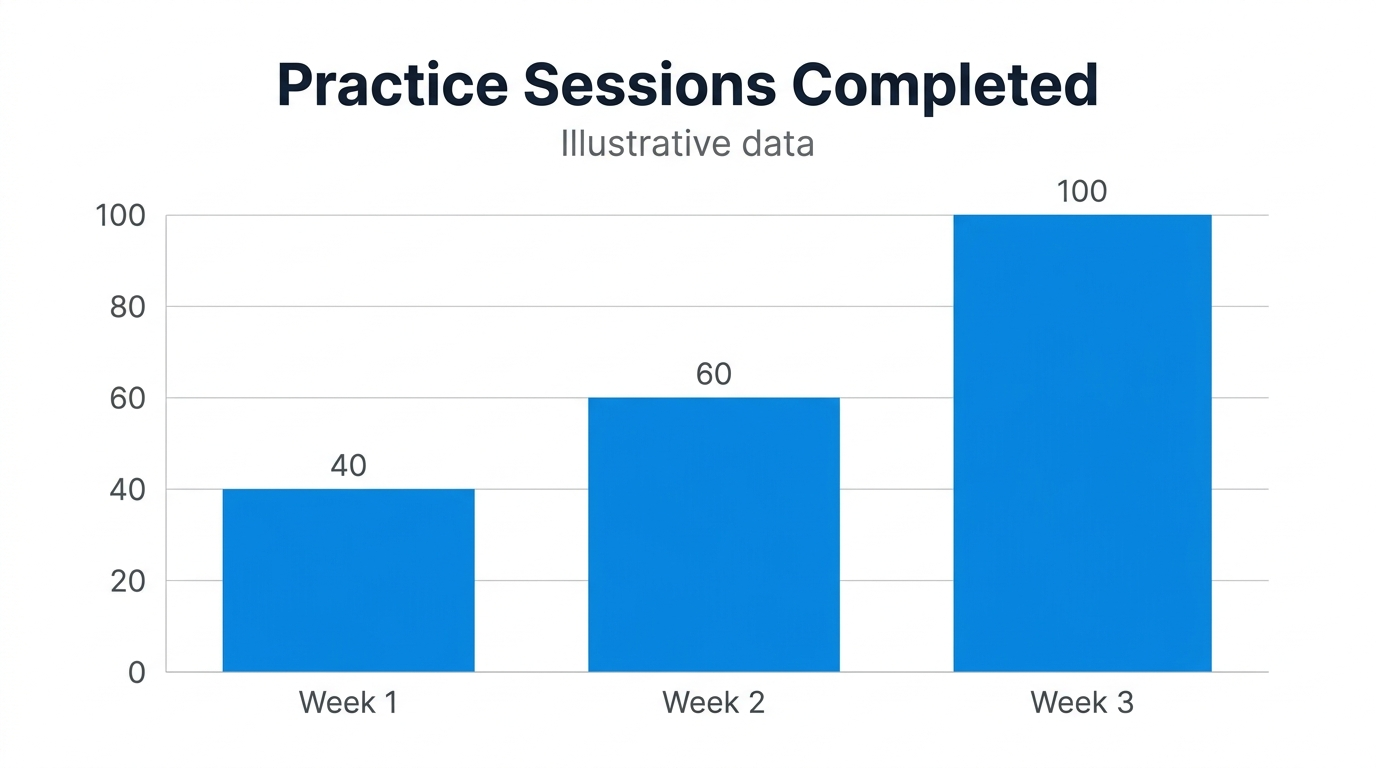
- The Prompt: We demanded a 16:9 bar chart with specific, fictional data (40, 60, 100).
- The Result: This was the model’s standout performance. The axes were perfectly scaled, the ticks were placed correctly at 0, 20, 40, 60, 80, and 100, and the bar heights were proportional to the data points. It avoided the common traps of "hallucinated" 3D effects or decorative clutter, proving that with strict, clear constraints, Nano Banana 2.1 is a reliable tool for simple, illustrative data reporting.
3. Transforming a Photograph into a Linocut
Style transfer is a high-demand feature. We tested the model’s ability to take a photograph of the iconic Hawa Mahal in Jaipur and transform it into a black-and-cream linocut print.
- The Result: The model captured the architectural silhouette of the Hawa Mahal beautifully. The linocut aesthetic—defined by bold contours and hatch marks—was executed with high artistic merit. However, the model "cleaned up" the image too much; the busy street traffic present in the source photo was omitted entirely, replaced by an empty forecourt. While the output was aesthetically pleasing, it demonstrated a tendency to over-simplify complex scenes.
4. Creating a Debugging Comic
Finally, we tested the model’s ability to maintain character consistency across a three-panel comic strip.
- The Result: The model maintained the programmer’s appearance (mustard hoodie, glasses, curly hair) consistently across all three panels. The panel order was correct, and the speech bubbles were placed effectively. Like the RAG test, however, the specific text on the laptop screen (the "typo") was not rendered with enough clarity to be readable. This confirms that while Nano Banana 2.1 is excellent for narrative consistency, it is not yet a replacement for specialized graphic design software when high-resolution text is required.
Supporting Data and Observations
| Task | Performance Level | Key Insight |
|---|---|---|
| Clay Illustration | High (Stylistic) | Great for concepts; struggles with exact object counts. |
| Data Charting | Excellent (Metric) | Surprising accuracy; perfect for basic, clean visuals. |
| Style Transfer | Good (Artistic) | Strong aesthetic; prone to omitting "busy" foreground details. |
| Comic Strip | High (Consistent) | Maintains character traits; text legibility remains an issue. |
Implications for Future Workflows
The results of these tests offer a clear picture of where Nano Banana 2.1 fits into a professional workflow. For creators, this model acts as a "rapid prototype" engine. You can use it to generate the foundation of a presentation, a mood board, or an educational graphic in seconds.
However, the "human-in-the-loop" factor remains essential. When using AI for projects where accuracy is paramount—such as scientific charting or technical documentation—the model serves as a starting point rather than a finished product. Users must be prepared to audit the output, especially regarding numerical data or the preservation of specific, fine-grained details in photo transformations.
Conclusion
Nano Banana 2.1 is a major step forward in the democratization of visual creation. By balancing speed with a sophisticated grasp of prompt instruction, it removes the "blank page" syndrome for many creators. Its ability to generate clean, professional charts and maintain character consistency across panels is particularly impressive.
As the technology matures, we expect to see even greater improvements in text rendering and object-counting accuracy. For now, users should embrace Nano Banana 2.1 for what it is: a powerful, versatile, and highly efficient assistant that, when guided by clear and precise instructions, can significantly accelerate the creative process. Whether you are an educator, a developer, or a designer, this tool is well worth integrating into your daily workflow.
Frequently Asked Questions (FAQ)
Q1. How do I verify that I am using the 2.1 version?
A. When accessing Google AI Studio, ensure you have explicitly selected gemini-nano-banana-2.1 from the model dropdown menu. The model label will appear at the top of your workspace.
Q2. Is this model suitable for final financial reporting?
A. While the model showed high accuracy in our fictional data tests, it is always recommended to use dedicated, data-linked plotting tools for formal reports to ensure 100% precision.
Q3. What is the best strategy for writing prompts for this model?
A. Be explicit. Define the subject, the layout, the desired artistic style, and any specific elements that must be preserved. If you have a reference image, provide it, but be prepared to perform minor manual edits if the model simplifies complex scenes.
Q4. Can I use the images generated for commercial projects?
A. Always refer to Google’s latest terms of service within the AI Studio environment, as usage rights can change based on the specific version of the model and the interface used.