In the modern digital workplace, the humble checklist remains one of the most powerful tools for operational excellence. Whether it is a pilot’s pre-flight routine, a surgical team’s safety protocol, or a marketing manager’s campaign launch, the act of checking off a task is a fundamental safeguard against human error.
While the concept of the checklist has remained constant, the medium has evolved. Today, teams are moving away from paper-based lists and static text files toward dynamic, interactive digital environments. Among these, the Google Docs checklist has emerged as a ubiquitous, accessible starting point. However, as organizational needs scale, the line between a simple "to-do" list and a comprehensive "operational workflow" becomes increasingly distinct.
The Evolution of the Digital Checklist: A Chronology
The journey from paper to digital began with basic word processing software, where users manually inserted symbols—often squares or dashes—to signify a completed task. This was purely cosmetic; the document did not "know" it was a list.
- The Early Digital Era: Teams relied on simple bullet points in Word or Google Docs. If a task was completed, users would manually delete the bullet or add a "Done" label. This was prone to inconsistency and lacked any integration with project management tools.
- The Rise of Collaboration: With the advent of cloud-based platforms like Google Workspace, documents became living, breathing entities. Multiple users could edit simultaneously, fostering a sense of shared responsibility.
- Native Interactivity: Recognizing the necessity of structure, platforms like Google Docs introduced native "checklist" building blocks. This allowed users to click a checkbox directly on the canvas, often triggering visual cues like strikethroughs, which provided immediate psychological satisfaction and status clarity.
- The Shift to Governance: As organizations grew more complex, simple checklists hit a "complexity wall." Companies began demanding more than just a box to tick; they required audit trails, approval gates, and data collection. This created the market for specialized Compliance Operations Platforms, such as Process Street, which treat checklists as the foundation of repeatable, automated workflows.
Understanding the Google Docs Checklist
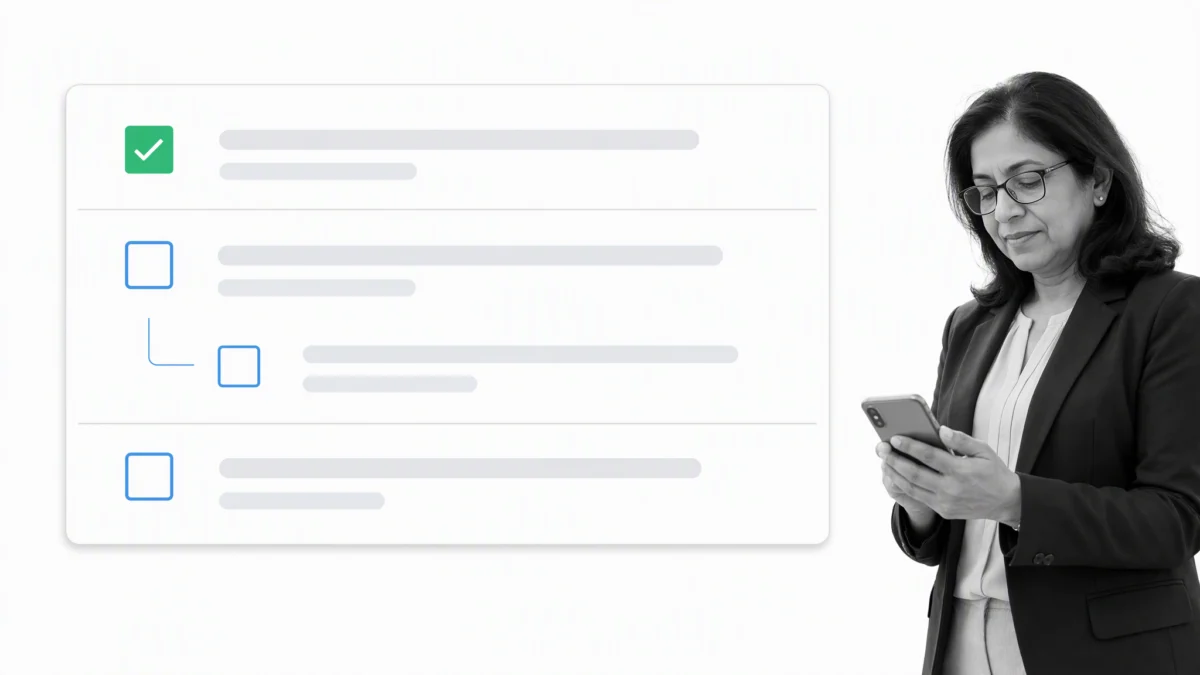
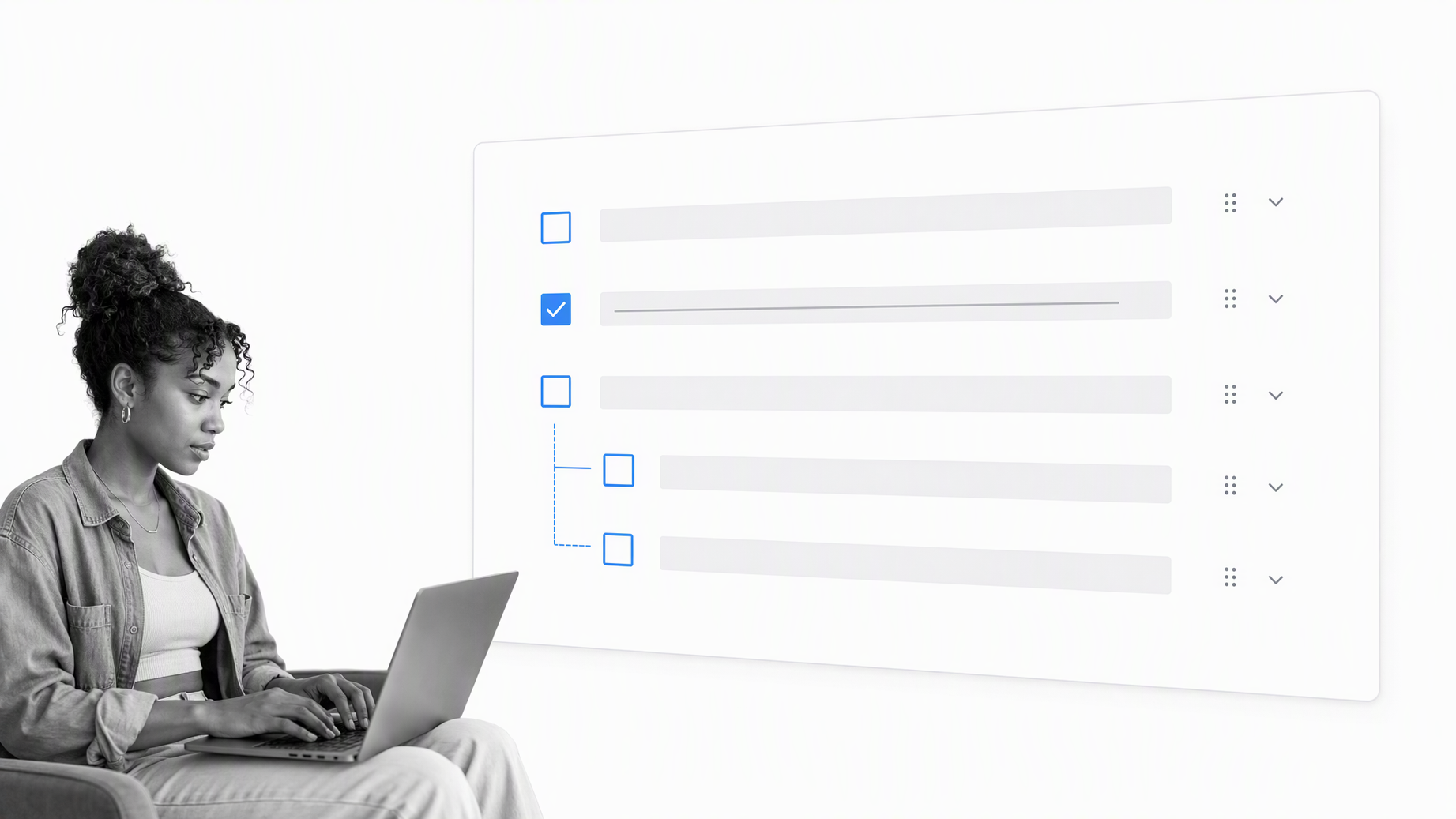
A Google Docs checklist is an interactive list inside a document that allows team members to mark items complete while maintaining instructions and context in a shared space. It is the digital equivalent of a "smart" notepad.
Creating Your First Checklist
The barrier to entry is intentionally low. To create a list, you can:
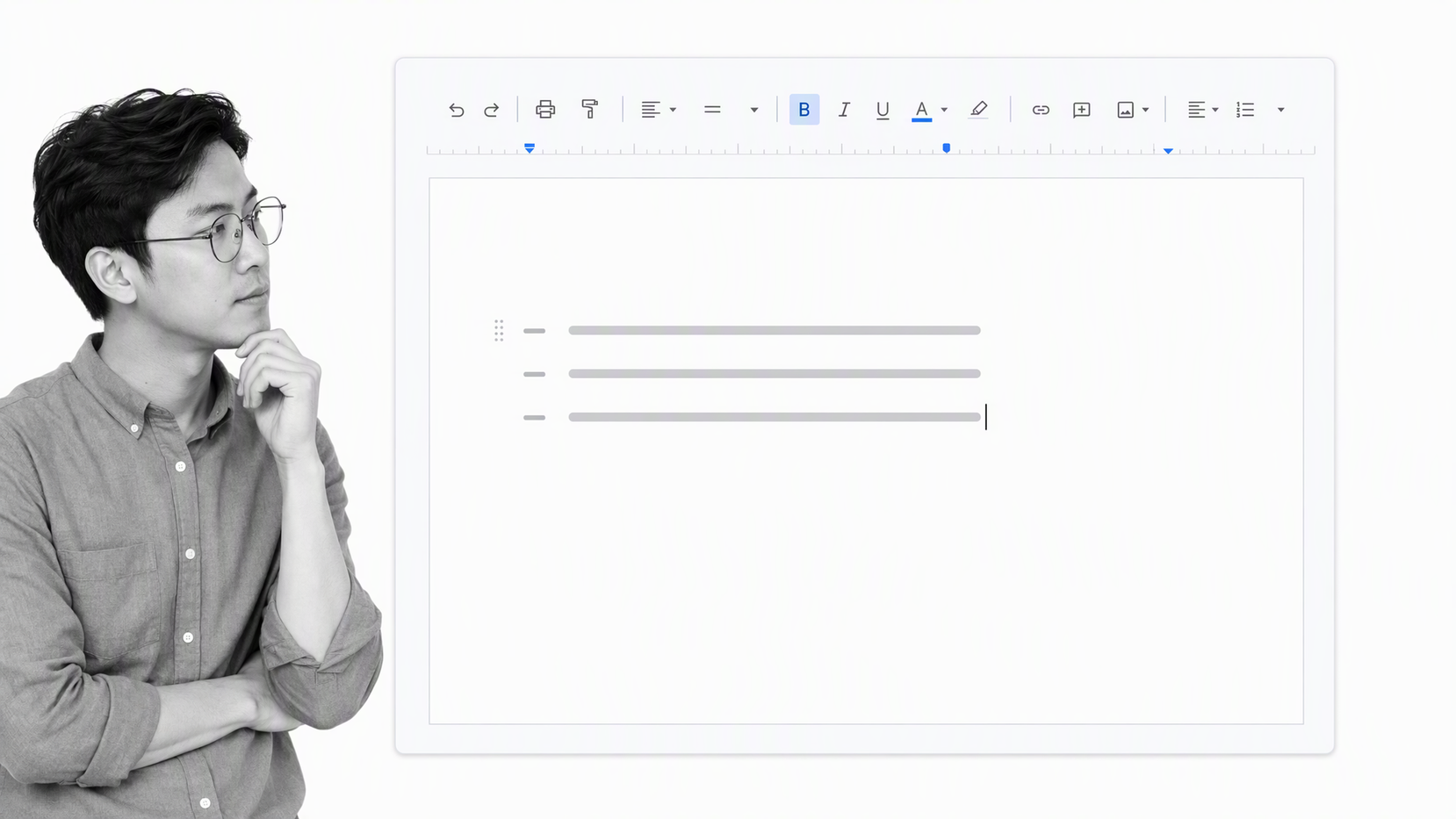
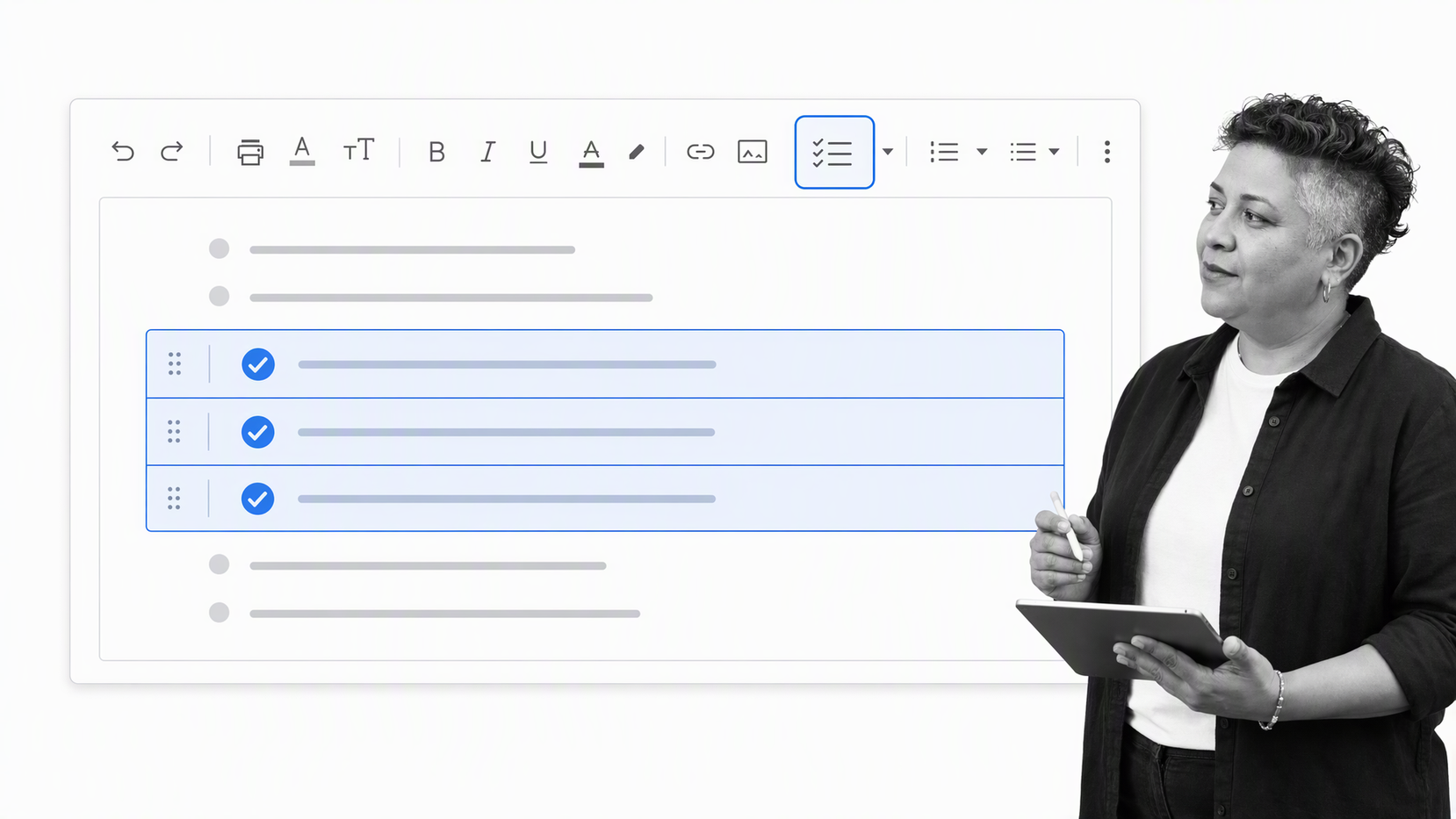
- Use the Toolbar: Highlight your text and click the "Checklist" icon in the toolbar.
- The "@" Shortcut: Typing
@checklistin a document generates a smart building block that automatically formats your input into interactive rows. - The Format Menu: Navigating to
Format > Bullets and numbering > Checklistoffers a traditional path for those accustomed to legacy menus.
Once created, these lists are inherently collaborative. They allow for comments, suggestions, and—on eligible Google Workspace accounts—the ability to assign tasks to specific users with associated deadlines that sync with Google Calendar and Tasks.
Supporting Data: Why Checklists Matter
The scientific backing for checklists is robust. Research into cognitive load theory suggests that the human brain has a limited capacity for maintaining multiple concurrent operational steps.
According to Dr. Atul Gawande in The Checklist Manifesto, the primary value of a checklist is not just to remind us of what to do, but to provide a "pause point" for critical thinking. In high-stakes environments, such as aviation or medicine, checklists do not replace expertise; they amplify it. They reduce the burden of recall, allowing the operator to focus on execution rather than memory.
Comparative Decision Matrix
For organizations deciding between a document-based list and a governed workflow, the following factors are critical:
| Decision Factor | Google Docs Checklist | Process Street Workflow |
|---|---|---|
| Primary Use | Ad-hoc, personal, or light team tasks | Repeatable, high-compliance operations |
| Structure | Flexible document canvas | Controlled, sequential workflow |
| Accountability | Informal; based on trust | Explicit; tracked, assigned, and audited |
| Logic | Manual; no branching | Conditional routing (if/then logic) |
| Evidence | Manual links and notes | Required form fields and audit logs |
The Implications of Tool Choice
The fundamental error many teams make is attempting to "stretch" a basic document tool into a complex project management system.
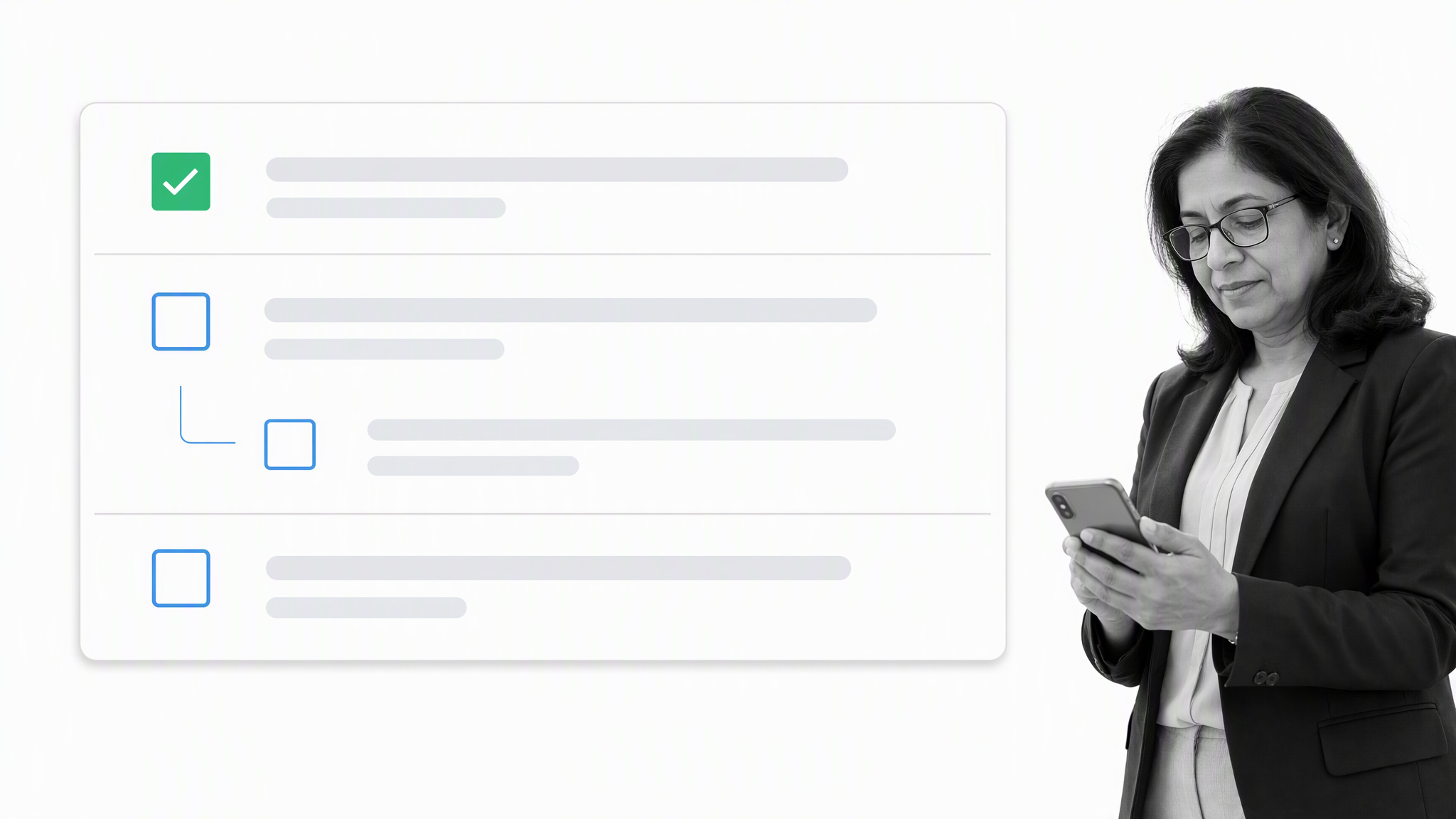
When you use a Google Docs checklist for a simple task—like a meeting agenda or a personal packing list—you gain efficiency and familiarity. However, when you attempt to use that same format for a complex process, such as employee onboarding or a regulatory audit, the cracks begin to show.
The Problem of "Ghost" Compliance
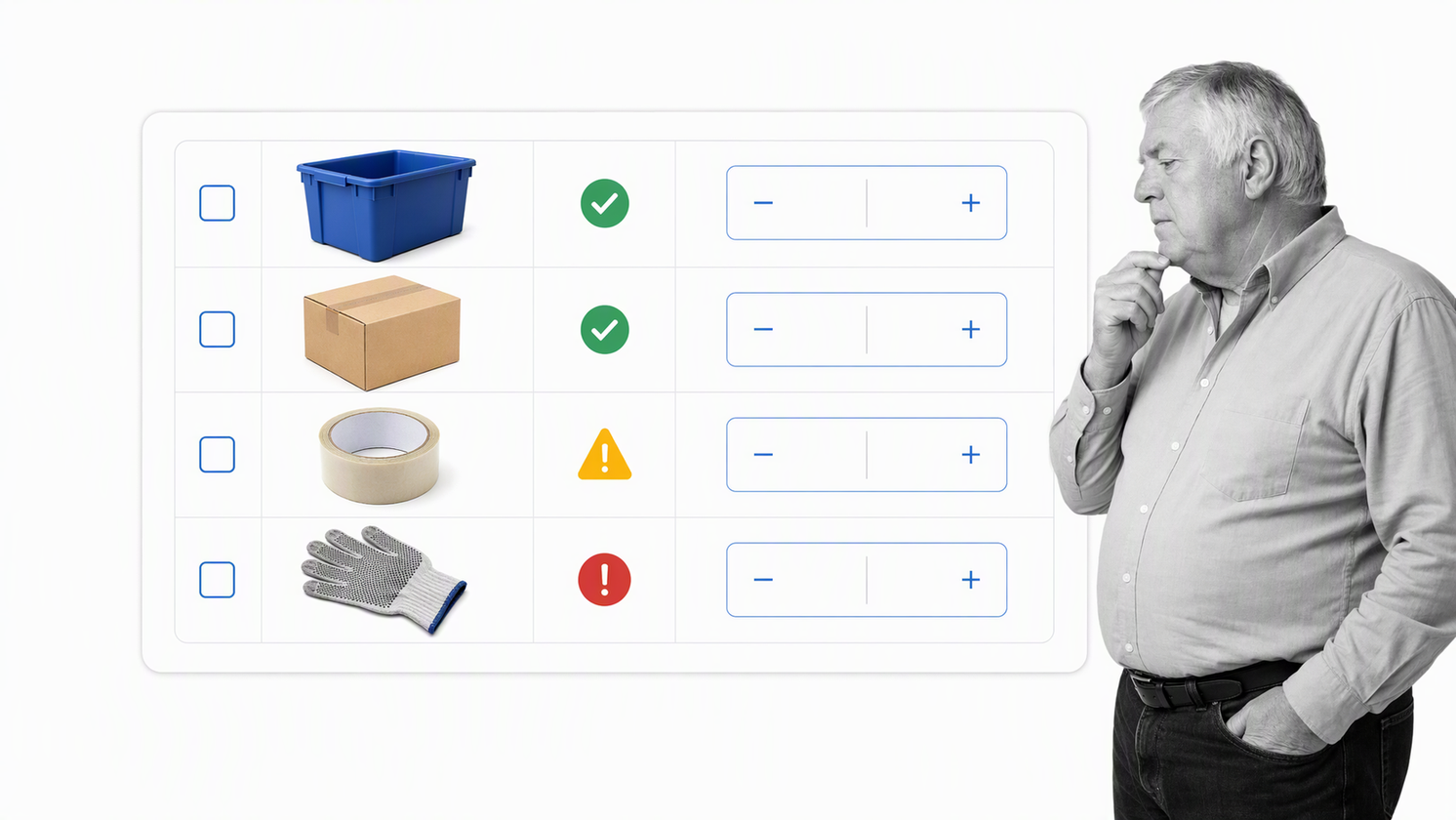
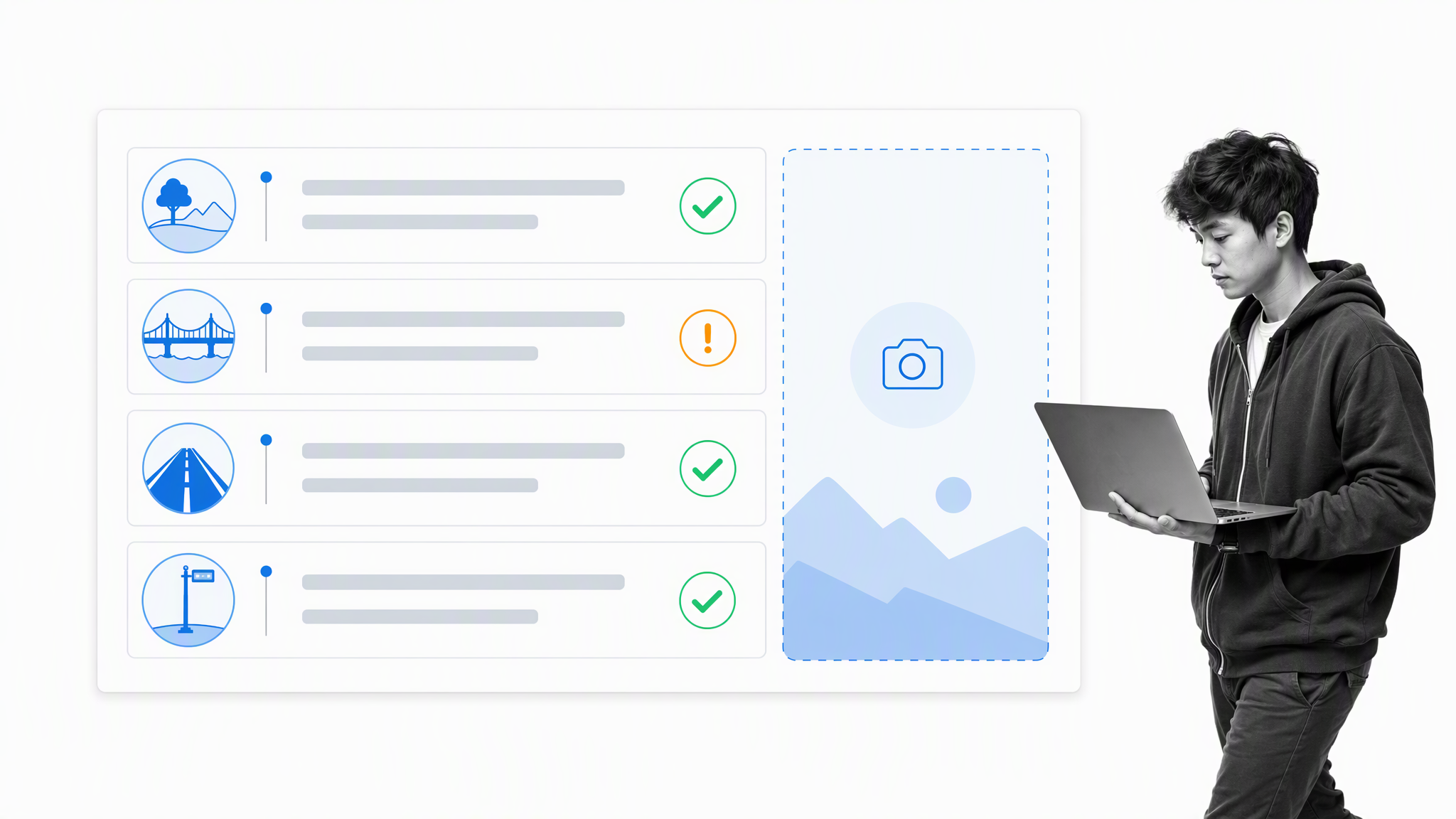
In a document-based checklist, if a user checks a box, there is often no way to verify that the task was actually performed to the correct standard. There is no "required field" to upload an image of a completed inspection, nor is there a "blocker" to stop a workflow from proceeding if a critical error is discovered.
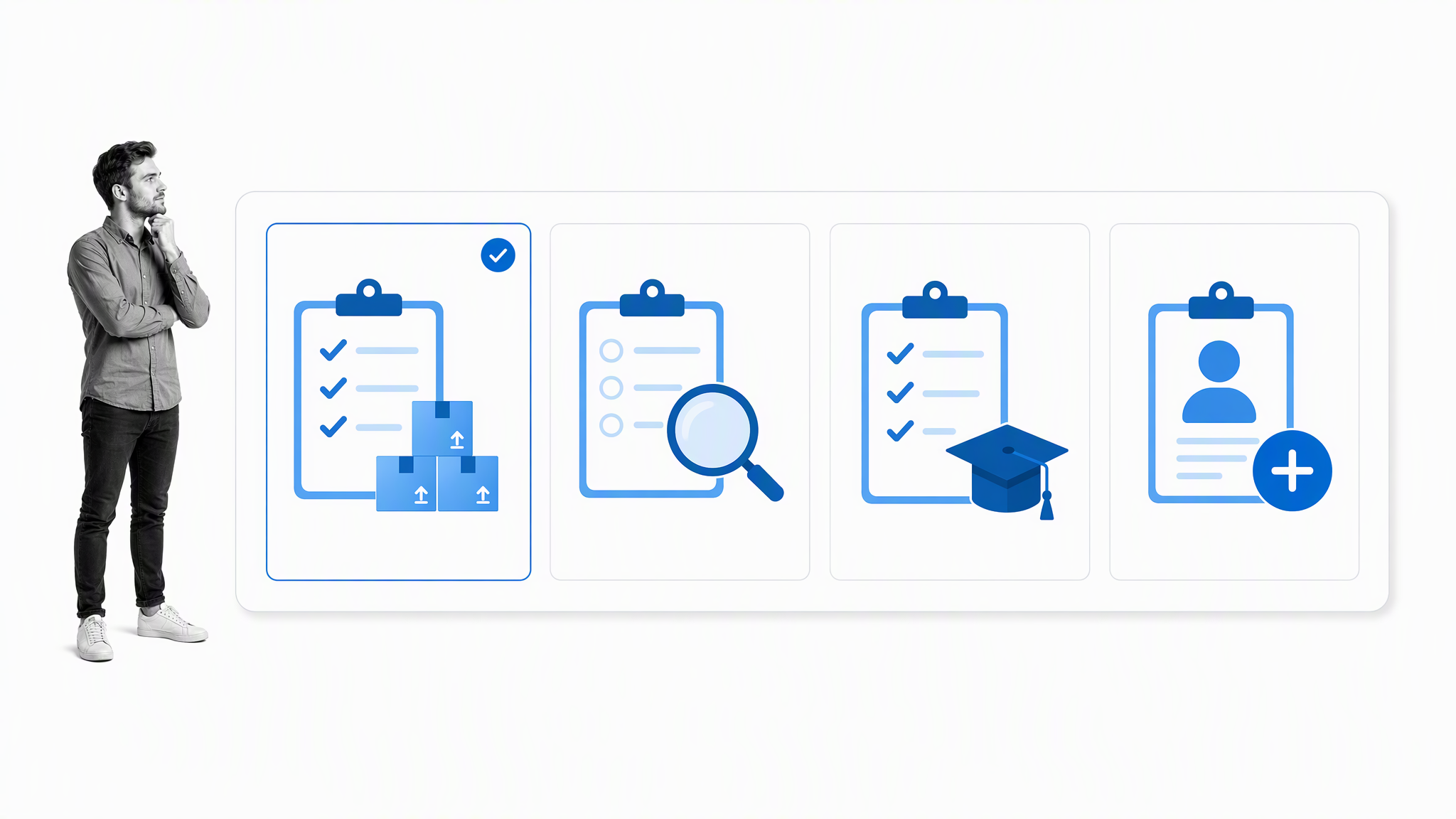
This creates "ghost compliance," where a document appears complete, but the actual work remains unverified or sub-standard.
Transitioning to Governed Workflows
As organizations move from individual task management to institutional operations, the need for a Compliance Operations Platform becomes apparent. This is where tools like Process Street bridge the gap between simple lists and enterprise-grade automation.
The Power of Conditional Logic
Unlike a static document, a governed workflow can adapt to the situation. If an inspection fails, the workflow can automatically trigger a "Corrective Action" sub-process. This ensures that the organization learns from errors rather than simply glossing over them.
Data Integrity and Audit Trails
For industries subject to regulations—finance, healthcare, manufacturing—the "paper trail" is not just a best practice; it is a legal requirement. A governed workflow records exactly who performed the task, when it was done, and what data was collected as evidence. This creates a permanent, searchable audit trail that a Google Doc cannot replicate.
Official Guidance: When to Upgrade
Industry experts suggest a "complexity threshold" for moving beyond document-based checklists:
- Volume: If you are performing the same task more than five times a month, you should be using a template-based workflow.
- Risk: If a missed step could lead to financial loss, legal liability, or physical harm, you require the enforcement of a controlled workflow.
- Dependencies: If Task B cannot be completed until Task A is approved, a document is insufficient. You need an automated trigger that prevents progress until the criteria are met.
Conclusion: Matching the Tool to the Task
The future of productivity is not about choosing one tool over another, but about knowing which tool fits the specific phase of the work. Google Docs remains an unparalleled tool for collaboration, brainstorming, and lightweight task management. It is, and will continue to be, a staple of the modern office.
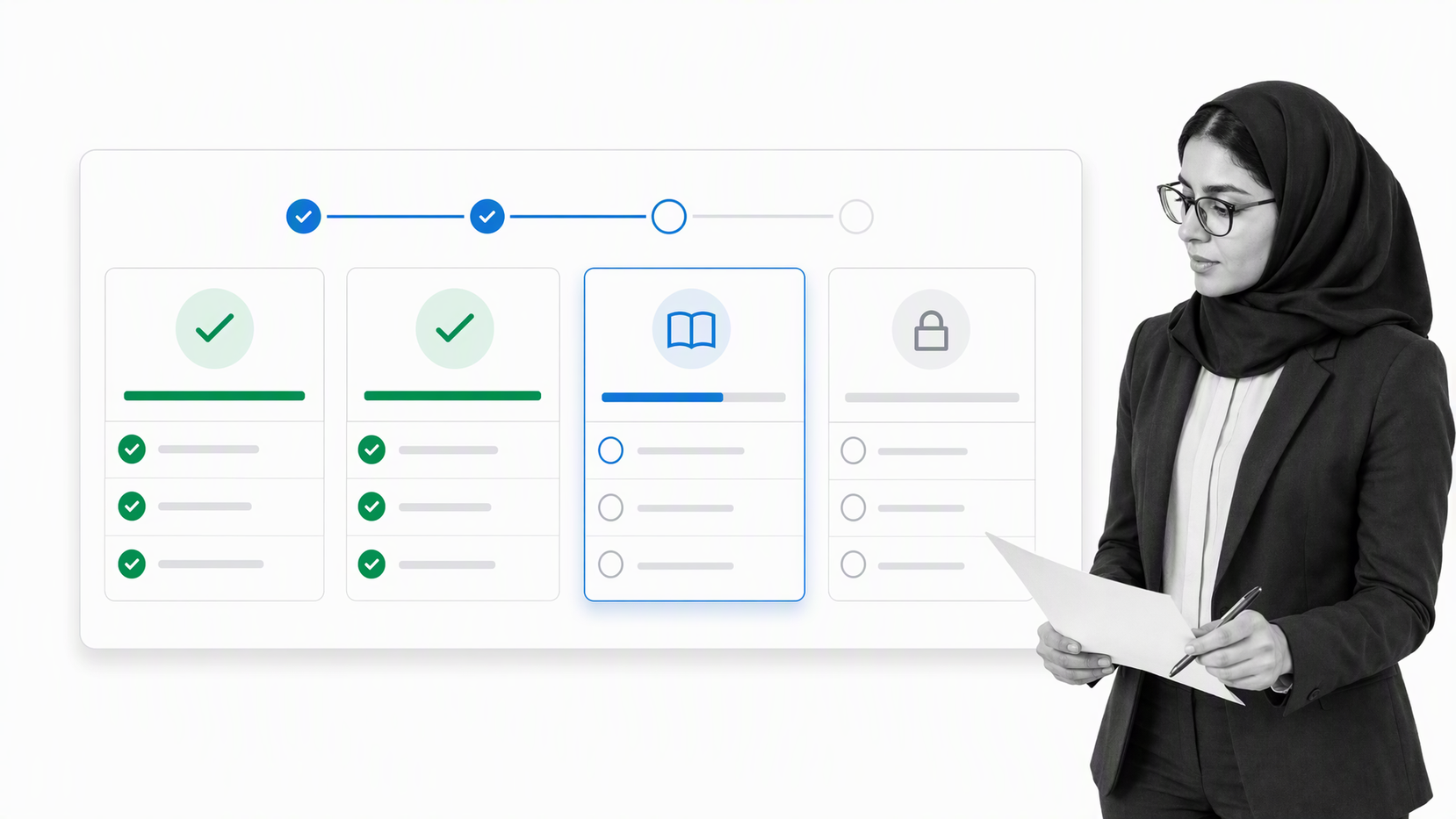
However, the "checklist" is an artifact that must be allowed to grow. When your work evolves from a "to-do" into an "operational process," it is time to move beyond the text document. By utilizing governed workflows for high-stakes, repeatable processes, organizations can transform their operations from a series of disjointed actions into a cohesive, reliable system of record.
Whether you are checking off items on a simple Google Doc or managing a multi-stage audit via a compliance platform, the goal remains the same: to reduce the noise of memory and increase the signal of performance. By choosing the right tool for the right level of complexity, teams can ensure that every critical step is not only remembered but successfully executed every time.