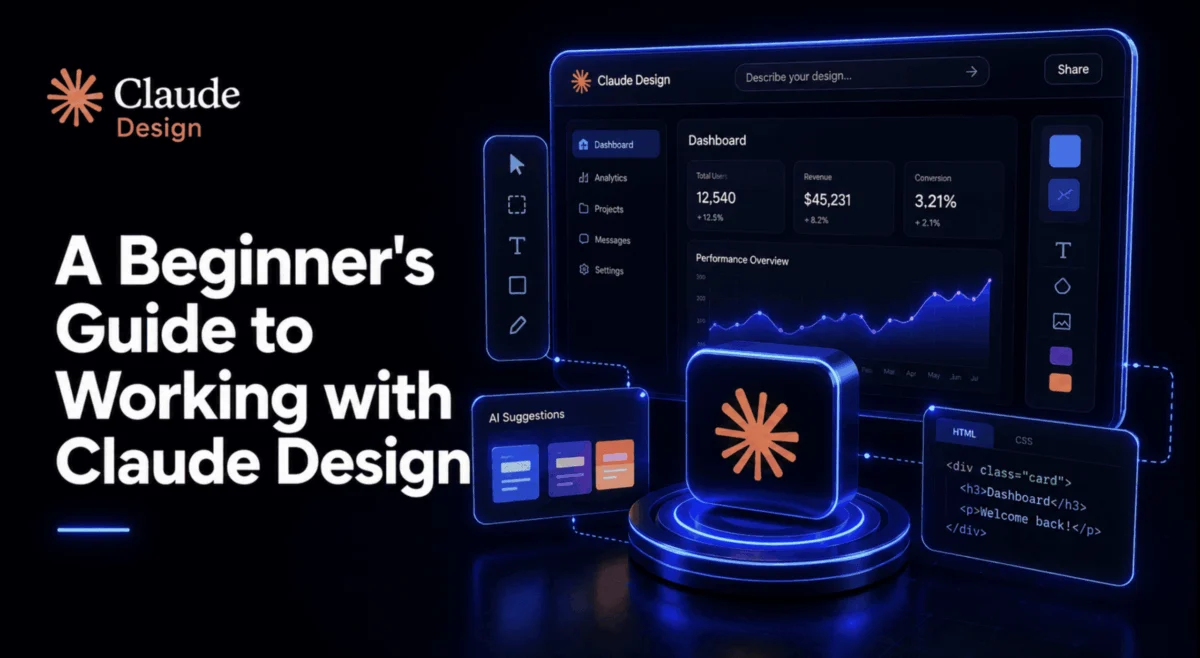
On April 17, 2026, Anthropic fundamentally altered the landscape of digital product development with the release of Claude Design. The launch sent immediate shockwaves through the tech sector; Figma’s stock plummeted by approximately 7% within hours, a market reaction compounded by the high-profile resignation of board member Mike Krieger just three days prior. While observers were quick to link these events as a harbinger of industry disruption, the market narrative often obscures the practical utility of the tool. For the average designer, developer, or product manager, the critical question remains: what does this mean for the actual day-to-day workflow?
This guide moves beyond the initial hype cycle to examine what Claude Design is under the hood, how to navigate its architecture, and why it represents a paradigm shift from traditional design software to code-first prototyping.
The Technical Foundation: Code as a Universal Medium
Claude Design is not a generative art tool that produces flat, pixel-based images. It is a research preview developed under the Anthropic Labs banner, powered by the advanced vision capabilities of Claude Opus 4.7. By shifting the focus from pixels to code, Anthropic has bridged the gap between static wireframes and functional prototypes.
Architectural Distinctions
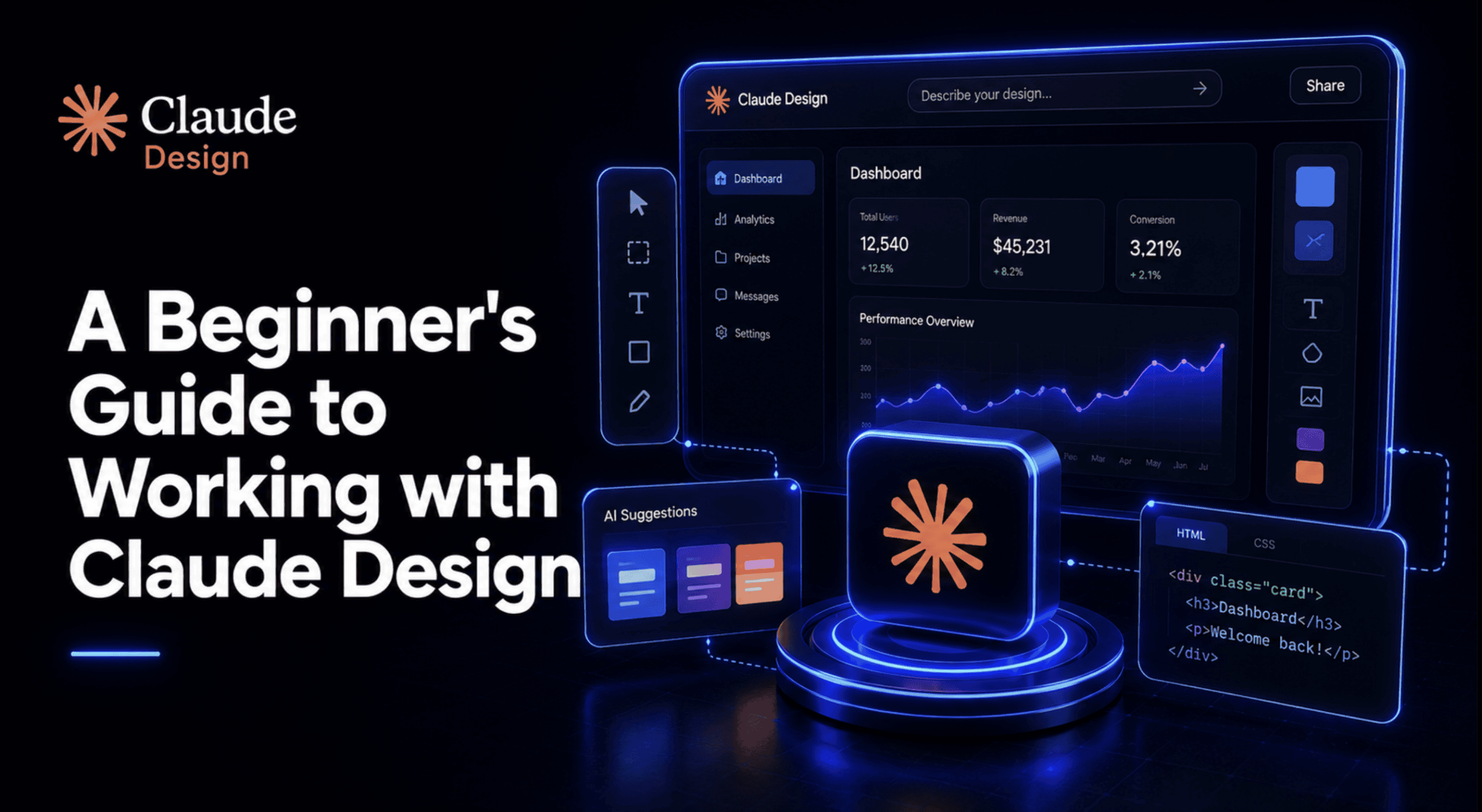
At its core, Claude Design generates working HTML, CSS, and JavaScript. This architectural choice is the primary reason the tool can output interactive elements—such as navigation flows, embedded media, voice input interfaces, and 3D components—that remain fully responsive and functional in a browser environment.
Unlike Canva, which focuses on the assembly of flattened assets, or Figma, which relies on vector precision, Claude Design functions as a "design partner" that outputs code. This distinction is crucial: it does not replace the pixel-perfect control of Figma, but it drastically reduces the time required to move from an abstract concept to a high-fidelity, interactive proof of concept.
Chronology and Market Impact
The timing of the Claude Design release was marked by intense market scrutiny. The intersection of the tool’s debut and the instability of Figma’s stock suggests that investors are bracing for a future where the barrier to entry for UI/UX development is significantly lowered.

- April 14, 2026: Mike Krieger steps down from the Figma board, sparking internal and external speculation regarding the company’s strategic direction.
- April 17, 2026: Anthropic launches the Claude Design research preview via
claude.ai/design. - Post-Launch: Immediate market volatility follows as analysts re-evaluate the "design-to-code" pipeline.
- Current State: The tool is now accessible to Pro, Max, Team, and Enterprise subscribers, with Enterprise admins retaining granular control over feature activation.
Mastering the Workflow: From Prompt to Prototype
Claude Design operates on a "propose-before-execute" logic. When a user enters a prompt, the interface does not immediately rush to generate a result; instead, it engages in a consultation phase, asking clarifying questions about audience, tone, and functional requirements.
The Four Pillars of Effective Prompting
To avoid the "generic template" trap, users should structure their requests using a four-part framework:
- The Goal: Define the core objective of the interface (e.g., a conversion-focused landing page vs. an internal data dashboard).
- The Audience: Specify the end-user demographics or technical expertise.
- The Key Information: List the essential data points or functional requirements that must be present.
- The Layout Structure: Provide a high-level organizational preference.
The Design System: The Strategic Advantage
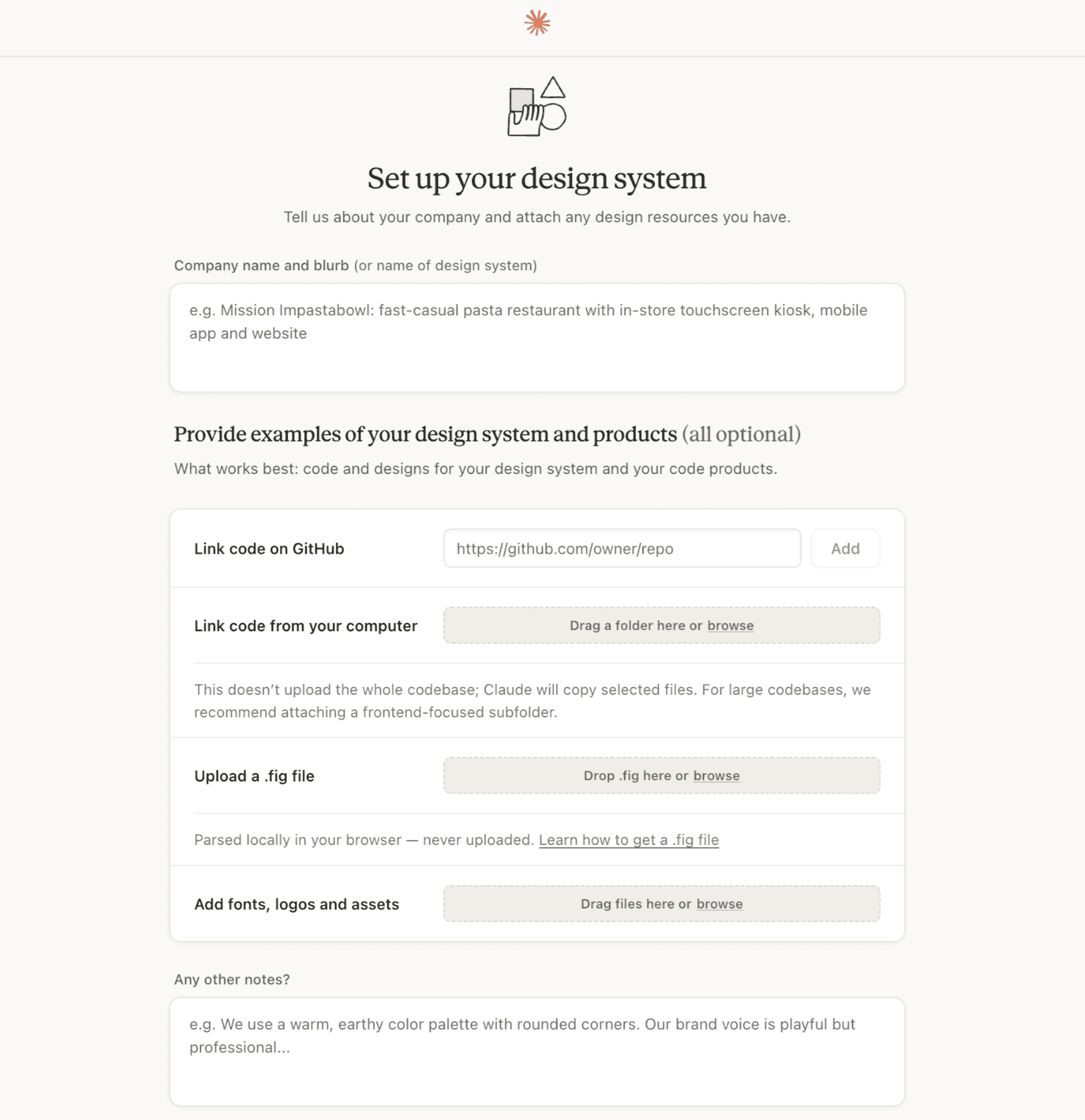
The most common error for beginners is ignoring the "Design System" setup. By pre-defining colors, type scales, and component styles, users ensure that the AI does not default to generic aesthetic choices.
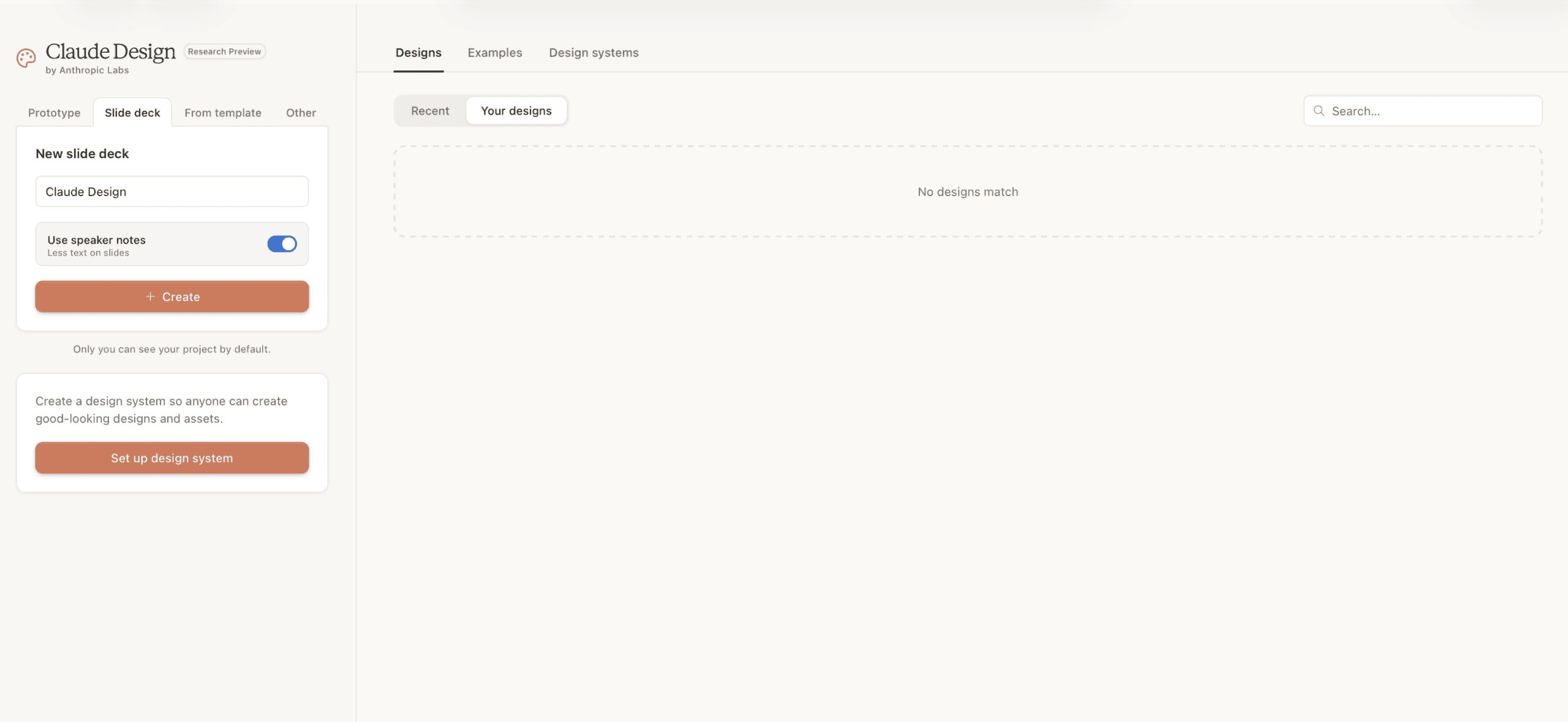
Pro Tip: Use Claude Cowork to synthesize scattered brand assets, style guides, and legacy documents into a single, cohesive brand document. Feed this into the Claude Design system manager. This ensures that every subsequent project inherits your organization’s identity, effectively turning the AI into an extension of your existing design team.
Comparative Analysis: Claude Design vs. The Industry
To understand where Claude Design fits, we must evaluate it against established categories of software.
| Tool | Primary Utility | Collaboration Depth | Output Type |
|---|---|---|---|
| Claude Design | Rapid prototyping, interactive flows | Chat-driven, org-level systems | Functional code |
| Figma | High-fidelity, multi-page systems | Deep, native multiplayer | Vector files |
| Canva | Marketing & social content | Shared, template-based | Flattened graphics |
| Vibecoding Tools | Full application deployment | Code-review focused | Deployable apps |
While Figma remains the gold standard for high-stakes, pixel-perfect design systems, Claude Design excels in the "exploration phase"—the critical time between a brainstorming session and a developer-ready handoff.
Official Responses and Governance
Anthropic has positioned Claude Design as a "research preview," signaling that while the tool is robust, it is still subject to rapid evolution. For Enterprise clients, governance is a key focus; the ability for administrators to toggle access ensures that the tool complies with internal data security policies.
The integration with existing workflows—specifically the handoff to Claude Code—is the final piece of the puzzle. By allowing designers to create the interface and developers to refine the underlying logic, Anthropic is building a bridge between the creative and engineering silos that have long plagued software development.
Implications for the Future of Design
The implications of this launch are twofold:

- The Democratization of Prototyping: The ability for non-engineers to generate functional, code-based prototypes means that the "prototype" is no longer a static picture; it is a working model. This changes the feedback loop entirely, as stakeholders can interact with the product rather than just viewing a mockup.
- Shift in Designer Skillsets: Designers are moving toward a role of "system architects." As the AI handles the repetitive task of layout and component creation, the human designer’s value shifts toward defining the design system, establishing brand parameters, and managing the high-level user flow.
Navigating the Rough Edges
Despite its capabilities, Claude Design is not a silver bullet. Users should expect:
- Context Window Constraints: While powerful, the system can lose track of complex, multi-page architectures if the design system isn’t clearly defined.
- Version Control: Users are encouraged to save snapshots before implementing major structural changes. Relying solely on the history function can lead to "design drift" during complex iterations.
Conclusion: Adopting the New Workflow
Claude Design is not meant to replace the human designer’s intuition; it is meant to eliminate the manual labor of assembly. The success of the tool in your organization depends almost entirely on your commitment to the initial setup. If you treat the design system as a one-time configuration rather than a chore, you gain a powerful engine for rapid, iterative development.
By adopting the four-part prompting pattern and learning when to leverage the chat interface for structural changes versus the inline tool for localized tweaks, you position yourself at the forefront of a new era. The "code-first" design approach is no longer a niche skill for developers—it is the new baseline for professional product creation. As the industry continues to integrate these models, the winners will be those who stop designing for the eye alone and start designing for the browser.