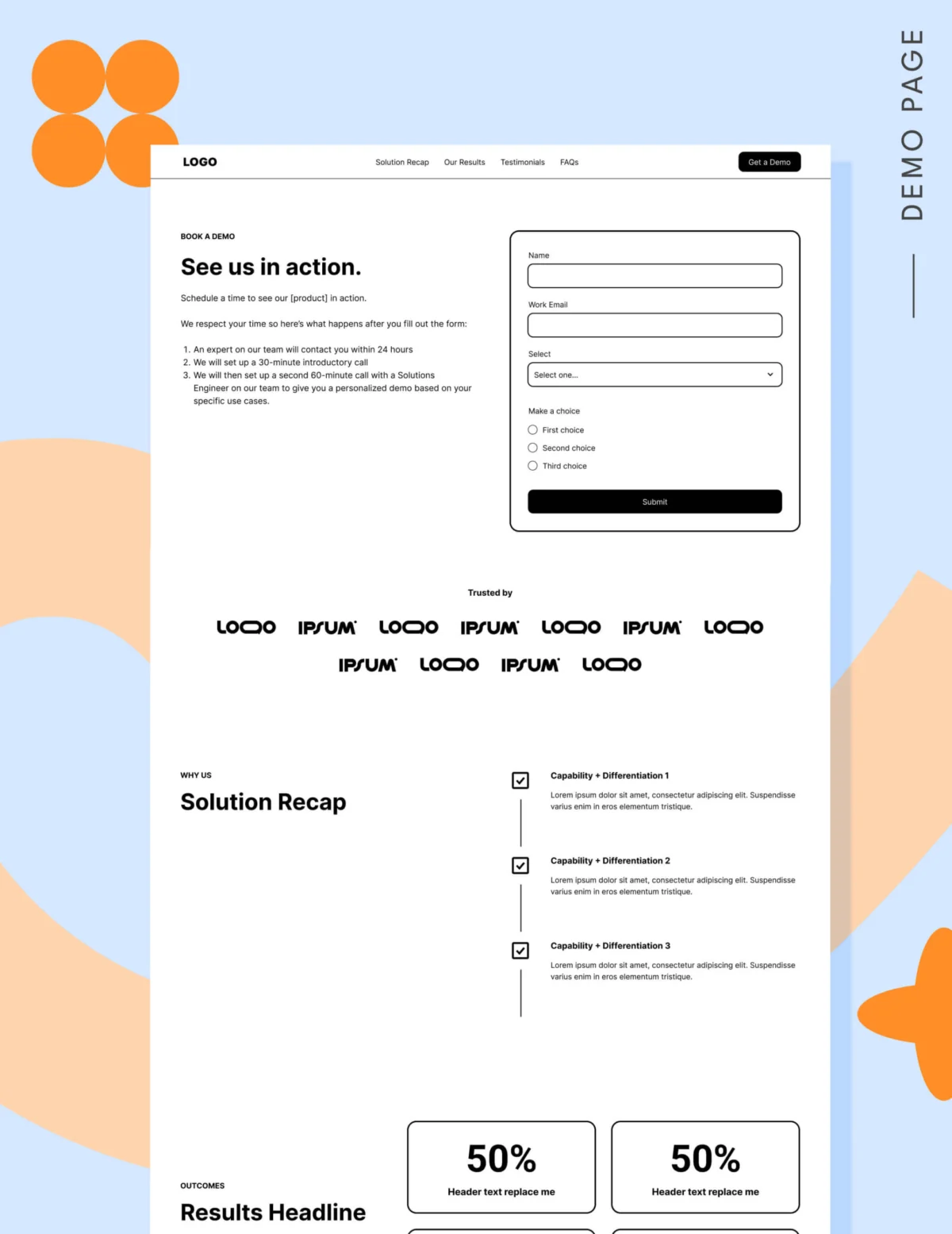
In the high-stakes world of B2B software, the "Request a Demo" button is often treated as a low-friction call-to-action (CTA). Marketers frequently view it as a simple gateway, slapping it onto landing pages with the expectation that volume will follow. However, when demo requests stagnate and sales teams begin complaining about the influx of low-quality leads, the panic sets in. Marketing teams often respond by pouring more budget into ads, only to find the problem persists.
The reality is that asking a prospect to commit to a sales conversation is a significant hurdle. It requires trust, research, and a clear understanding of value. As the B2B landscape evolves, so too must our approach to conversion optimization.
The State of the Modern Buyer Journey
According to the 2025 LinkedIn Ads Benchmark Report from Dreamdata, the modern B2B customer journey has become increasingly complex, spanning an average of 211 days and involving 88 distinct touchpoints. In this environment, trying to force a demo request before a buyer has finished their research is akin to proposing marriage on a first date.
Buyers today are self-educating. They want to compare alternatives, understand technical nuances, and build internal consensus before ever speaking to a representative. Only 3% to 5% of your target market is in an active buying cycle at any given moment. The goal of a demo landing page, therefore, is not to convince a stranger to buy; it is to confirm to a warm, qualified prospect that your solution belongs on their shortlist.
Anatomy of a High-Converting Demo Page
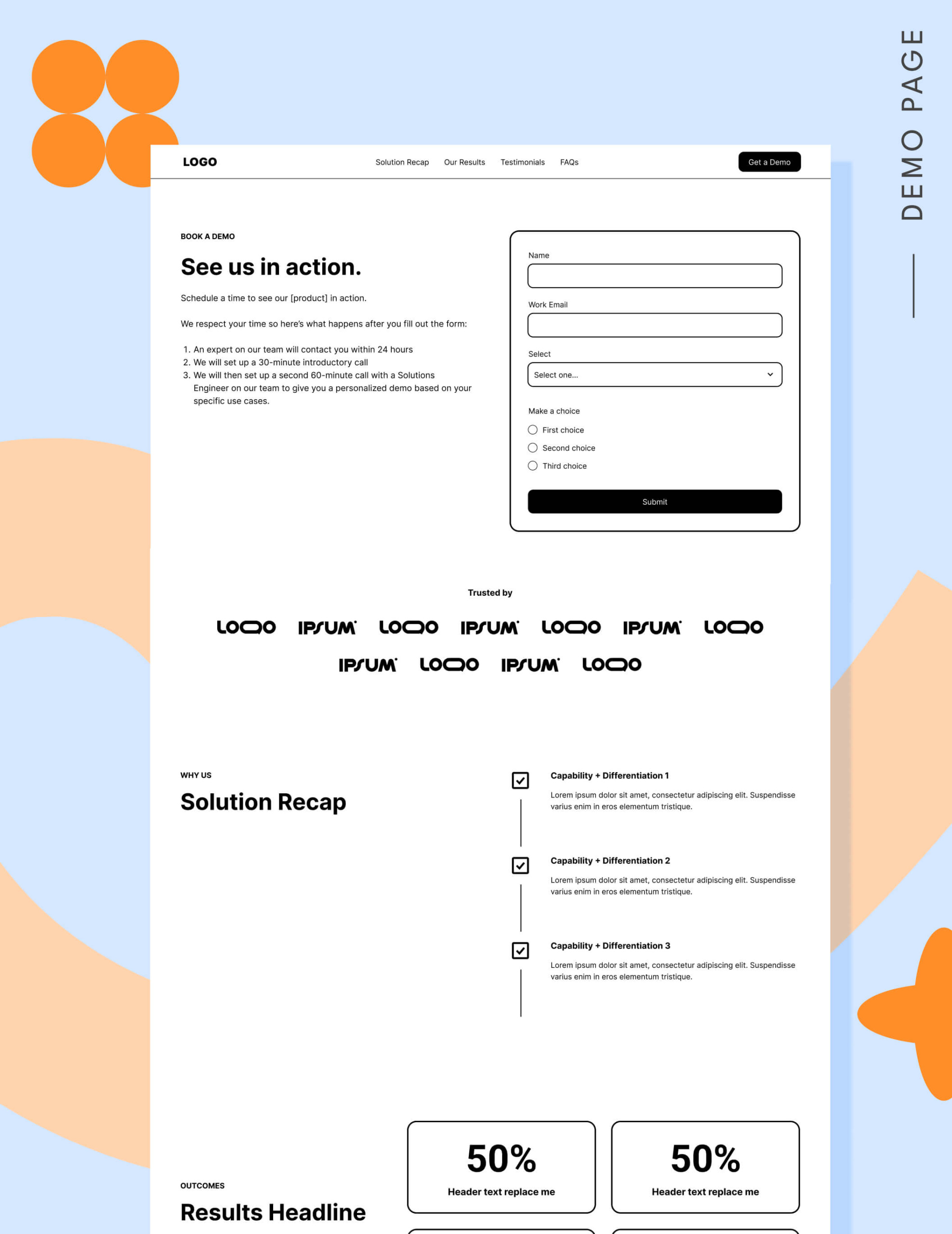
When a visitor arrives at your demo page, they are likely already familiar with your brand. They are looking for final validation. To ensure they convert, your page must be structured to remove friction and provide absolute clarity.
1. Strategic Navigation and Anchor Links
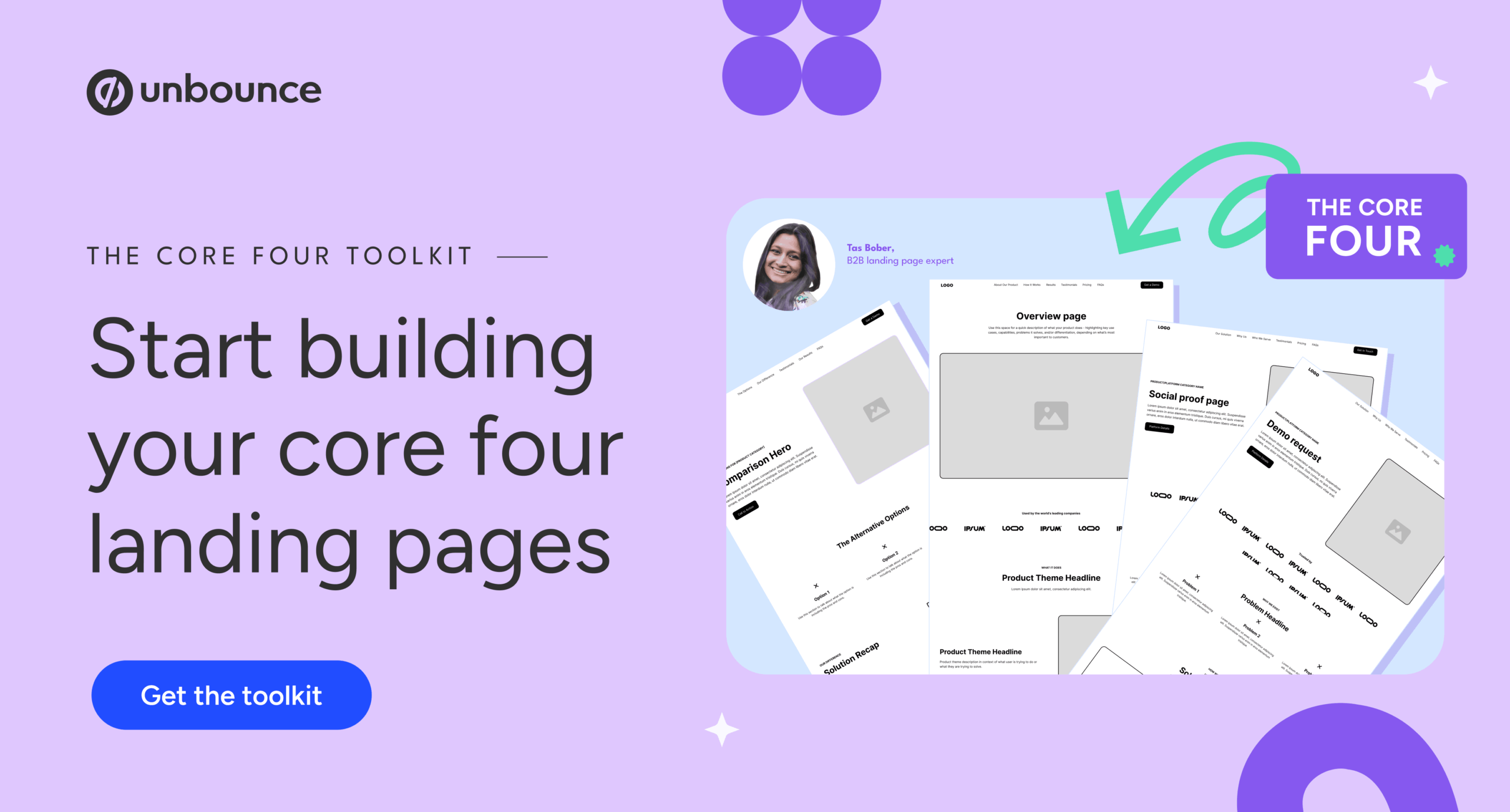
Historically, conversion rate optimization (CRO) doctrine taught marketers to strip away all navigation to prevent "leakage." However, modern search engine algorithms—and user behavior patterns—suggest otherwise. Google’s current ad quality models reward pages that align with user intent, which includes providing access to relevant resources. Instead of removing navigation, use anchor links to help users jump to the information they need most, and include a footer that directs them to other "core four" pages (such as pricing, case studies, or feature comparisons) to help them complete their due diligence.
2. The Hero Section: Setting Expectations
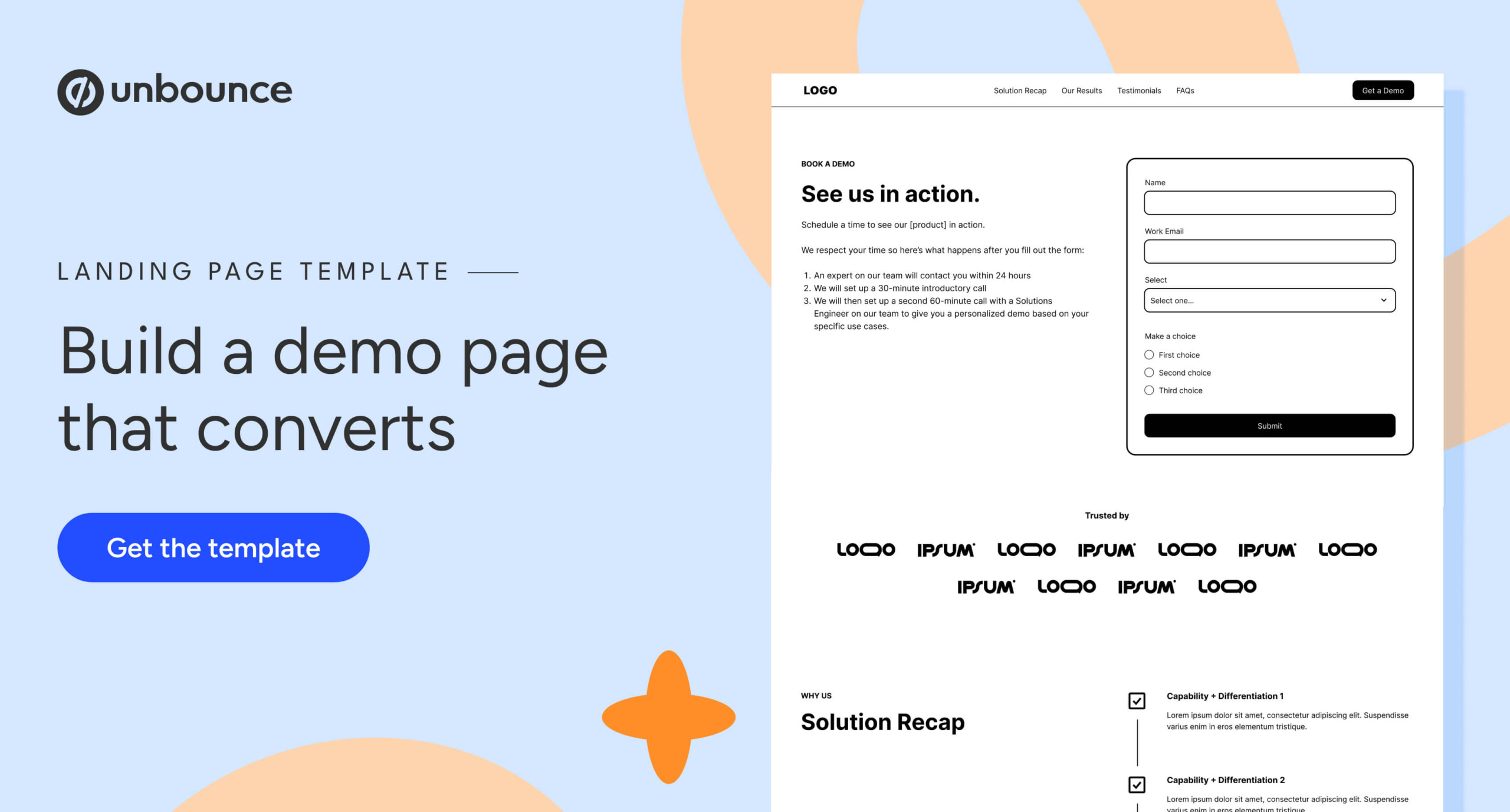
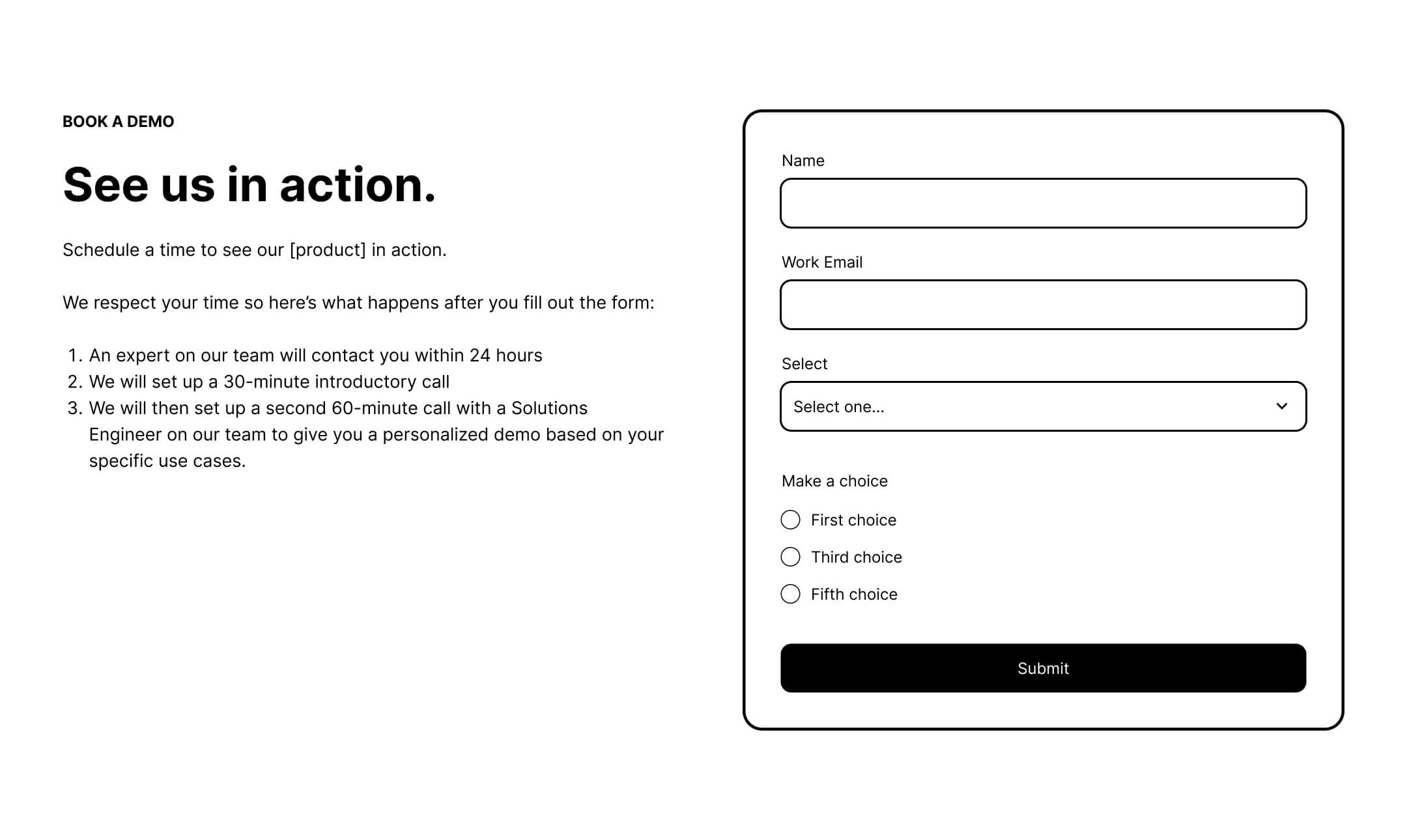
The hero section is the only place on a landing page where a prominent form is not just acceptable, but expected. However, the copy surrounding that form must manage expectations. Do not just say "Request a Demo." Explain what happens after they click submit. Will they get a call? Will they receive an email to schedule a time? Who will they be talking to? By demystifying the process, you lower the perceived risk of the interaction.
3. The Power of Social Proof
Volume is the silent partner of credibility. While a single testimonial can be impactful, a collection of 6 to 12 testimonials provides the "Amazon effect"—the psychological reassurance that many others have already vetted your product and found it successful. If your target audience includes recognizable enterprises, utilize a logo garden. If you serve a niche market where logos might not be as widely known, focus on short, results-driven quotes that highlight specific outcomes.
4. Addressing Objections via FAQs
The FAQ section of a demo landing page should be the final hurdle-clearer. Use this space to answer the three to four most common objections your sales team hears during discovery calls. Additionally, address logistical questions about implementation, onboarding, and the demo process itself. This turns the FAQ into a "pre-sales" document that handles objections before a human even enters the conversation.
The Pricing Dilemma
One of the most debated topics in B2B marketing is whether to display pricing on a demo landing page. Many sales-led organizations fear that showing numbers will disqualify leads or give competitors an advantage. However, the data suggests that transparency actually acts as a powerful filter. By providing at least a starting range (e.g., "Plans starting at $X/month") or a simplified pricing grid, you ensure that the people who do book a demo are financially qualified, saving your sales team from wasting time on prospects who cannot afford your solution.

Form Length and the Friction Threshold
The temptation to capture as much data as possible is strong, but it is often the enemy of conversion. Research indicates a sharp drop-off in conversion rates once a form exceeds five fields.
- 1–5 Fields: Optimal for high-intent conversion.
- 7+ Fields: Significant drop-off in completion rates.
- 10+ Fields: Often leads to abandonment by all but the most desperate prospects.
The key is to select the single most important qualifying question—such as company size, specific use case, or team structure—and limit the form to that, plus the necessary contact information.
Form vs. Scheduling: Which is Best?
The choice between a standard lead form and a scheduling tool (like Calendly) depends entirely on your operational maturity.
- Use a Form when: You need to manually route leads based on territory, size, or industry, or when your sales team requires time to review the lead profile before reaching out.
- Use a Scheduler when: You have a high volume of traffic and want to remove all friction for the prospect, allowing them to book a slot that works for them immediately.
If you choose a scheduler, consider adding a "positive friction" step: ask one qualifying question before they see the calendar. This filters out unqualified leads without creating a tedious experience for those who are ready to buy.
Implications for Sales and Marketing Alignment
The most critical takeaway for any organization is that the demo page is a reflection of the handoff between marketing and sales. If marketing is sending cold, top-of-funnel traffic to a demo page, no amount of button-color testing will fix the low conversion rate.
Instead, organizations must ensure that the "Core Four" landing page framework—designed to guide buyers through the stages of education, comparison, and validation—is fully operational. The demo page should be the final destination, not the starting point.
Conclusion: Fix the Targeting, Then the Page
When performance lags, the impulse is to iterate on the page. However, the most successful teams look at the traffic source first. By aligning your paid media strategy with the reality of the 211-day buyer journey, and by building your landing pages to offer transparency, social proof, and clear expectations, you can transform your demo page from a bottleneck into a high-performance engine for growth.
Remember: A prospect isn’t just looking for a product; they are looking for a partner. Your landing page is the first opportunity to prove that you are that partner. By respecting their time, answering their questions, and providing the evidence they need to justify their decision, you aren’t just getting a demo request—you are building a business case for your own solution.


